




Why lifestyle pictures work better on social
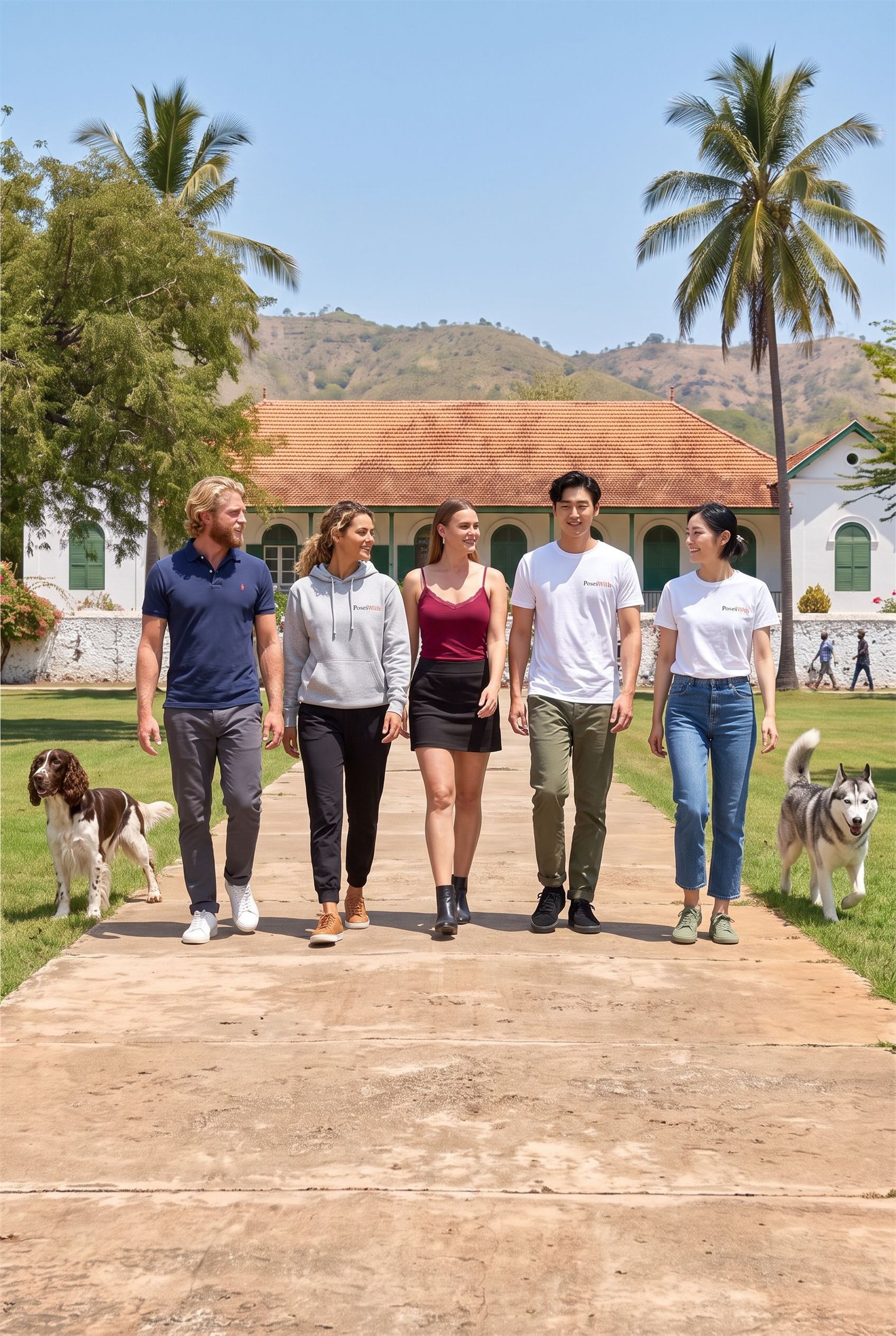
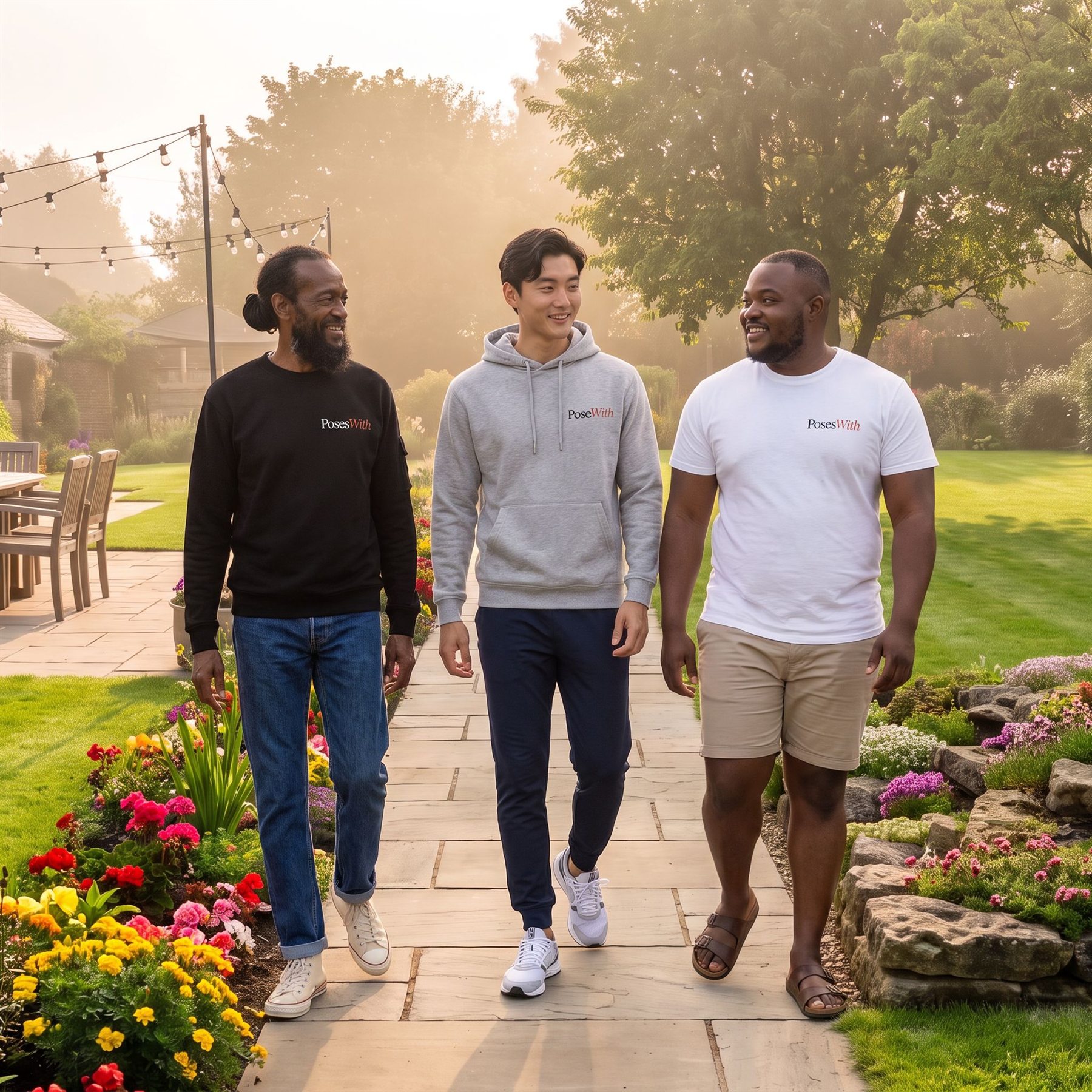
On a busy feed, a product on a plain background is easy to scroll past. A picture of people using it - walking the dog in your harness, laughing over coffee in your mugs, out on the street in your hoodie - looks like the rest of what people follow, so they stop and look.
Lifestyle pictures also answer the questions buyers have before they click: how big is it, how does it look on, where would I use it? That is why brands book photographers, models and locations for their social content. PosesWith gives you the same kind of picture from the product photos you already have.
Product photos for Instagram, TikTok and Pinterest, in the right size
Each platform crops differently, and a picture made for one rarely fits another. For Instagram product photography, start with 4:5. In PosesWith you choose the size before the picture is made, so nothing important is cut off: 4:5 portrait for the Instagram and Facebook feed (it takes up the most screen), 1:1 square where a grid needs it, 9:16 full-screen for Stories, Reels, TikTok and YouTube Shorts, 2:3 tall for Pinterest pins, and 16:9 wide for YouTube thumbnails, X and banners.
Because the models, products and place stay the same, you can post one scene in every size across every account in the same week, and it all looks like one campaign.
Video for Reels, TikTok and Shorts
Short video gets the most reach on most platforms now. Any PosesWith picture can be turned into a 5, 10 or 15-second clip, in 720p or 1080p, of the same people, products and place - the dogs walk, the group laughs, the coffee is lifted. Clips have no sound, so add a trending track or a voice-over in the app when you post.
TikTok Shop, Instagram and Facebook Shop product photos
If you sell through TikTok Shop, Instagram or Facebook Shops, the same shoot fills your product gallery as well as your feed. Use PosesWith pictures as your TikTok Shop product photos after the main product image - your products worn, held or used, in 1:1 and 4:5 - and 9:16 clips that show them moving. Each shop has its own rules, from the TikTok Shop image requirements to Instagram's and Facebook's, so check them before you upload.
Keep your feed consistent
Followers start to recognise faces. Pick a few models from the roster that suit your brand and use them in every shoot, or have a model made that only your account can use. Mix in groups of up to five people and their dogs, and change the place, the season and the time of day to keep the feed fresh.
Questions about AI content for social media
Can I make Instagram Reels and TikToks from product photos? Yes. Animate any picture into vertical 9:16 video, then add music or a voice-over in the app when you post.
What is the best image size for Instagram posts? 4:5 portrait takes up the most of the feed; 1:1 square still works, and 9:16 is for Stories and Reels. Pinterest pins work best at 2:3.
Do I have to label AI images on Instagram, TikTok and Facebook? Instagram, TikTok and Meta all publish AI disclosure rules and labels. Turn on the AI label when you post, and never present an AI model as a real customer or influencer.
How do I keep my feed consistent? Reuse the same AI models, keep to a few locations and moods that suit your brand, and repurpose one shoot across all your channels.
Be open about AI
Every PosesWith picture and clip is AI-generated and carries an AI label in its file data. Instagram, Facebook, TikTok, YouTube, Pinterest and X all have their own AI labels or disclosure rules - use them when you post, and never present an AI model as a real customer.