
From supplier mock-up to on-model photo
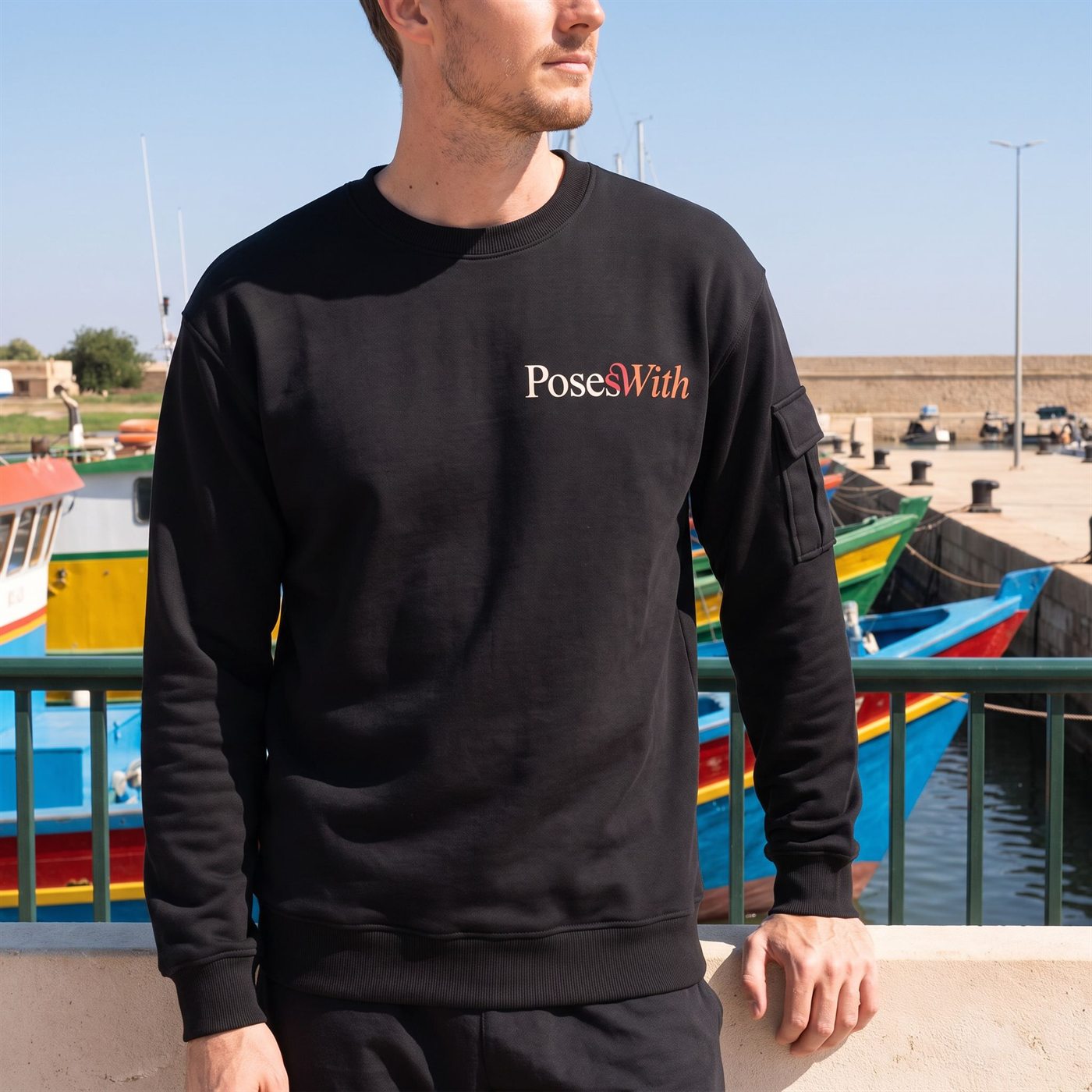
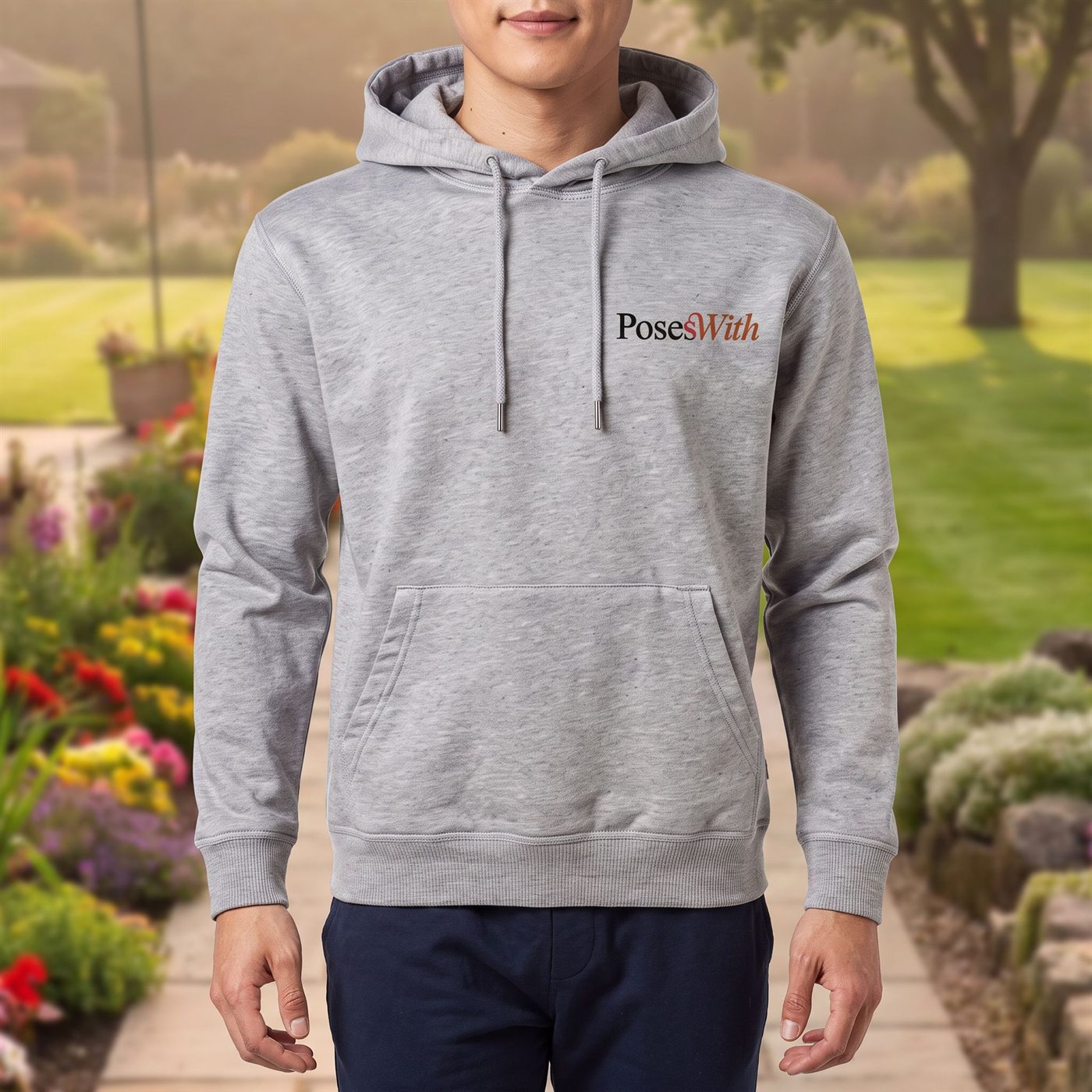
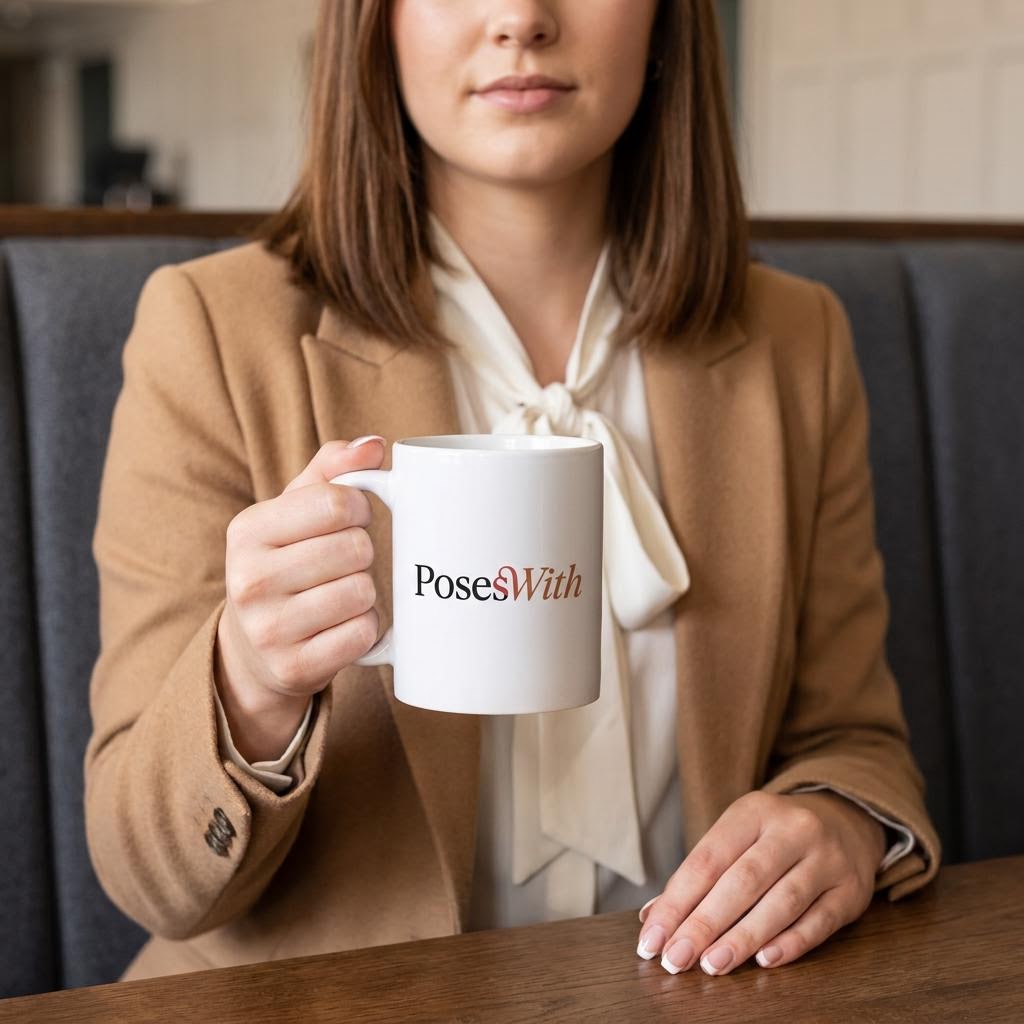
Most print-on-demand sellers start with a mock-up from their supplier: the product with the design on it, on a plain background. That is enough for PosesWith. Upload it as your product photo, book an AI model, pick a place and choose the size. The model wears your T-shirt or hoodie, or holds your mug, in a real-looking scene.
The mock-up works best when it shows the product on its own: the whole item, front on, on a plain background, with no text, watermark or price label on it. A photo of a sample you have printed works too. If the photo has a person or a busy room in it, optimise it first so only the product is used.
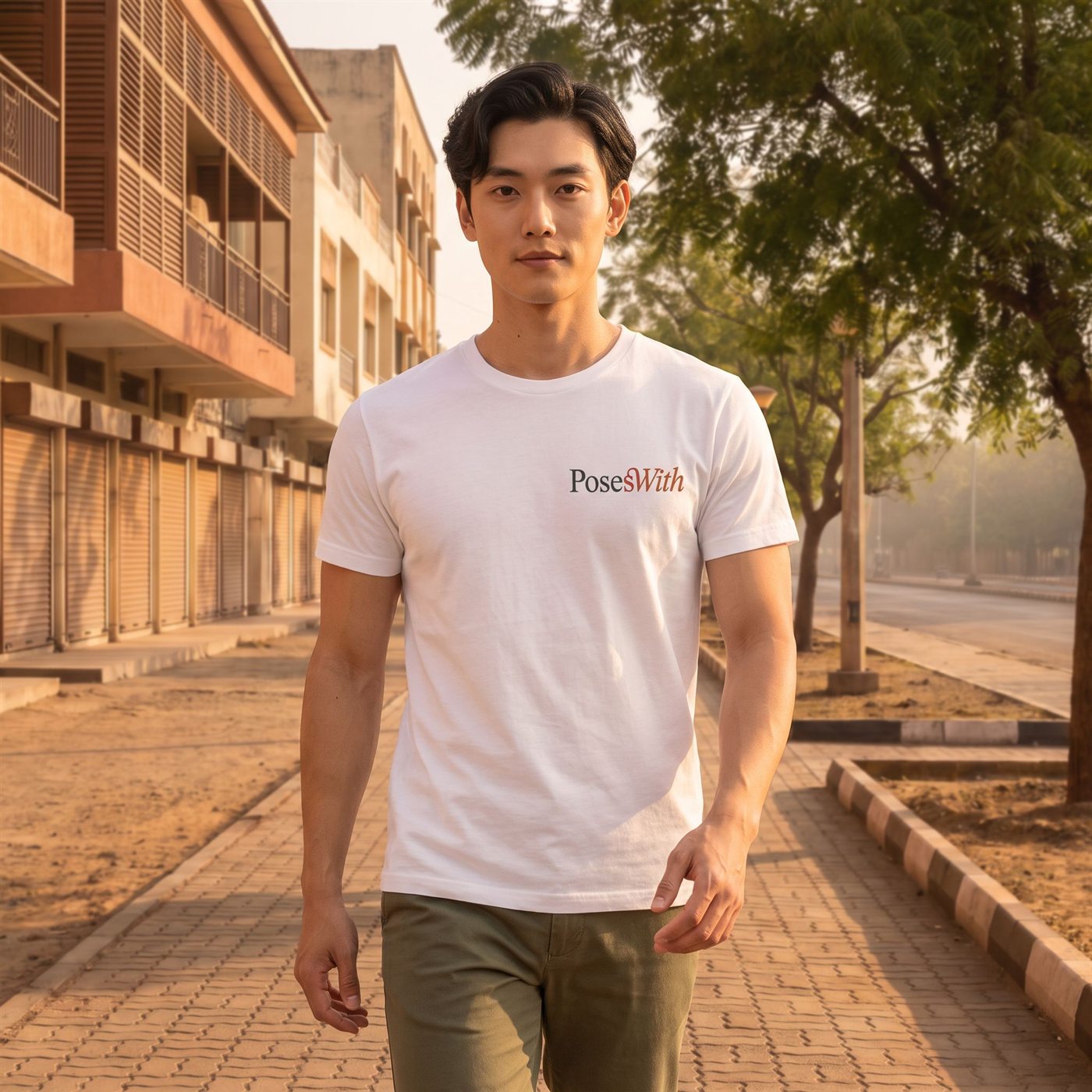
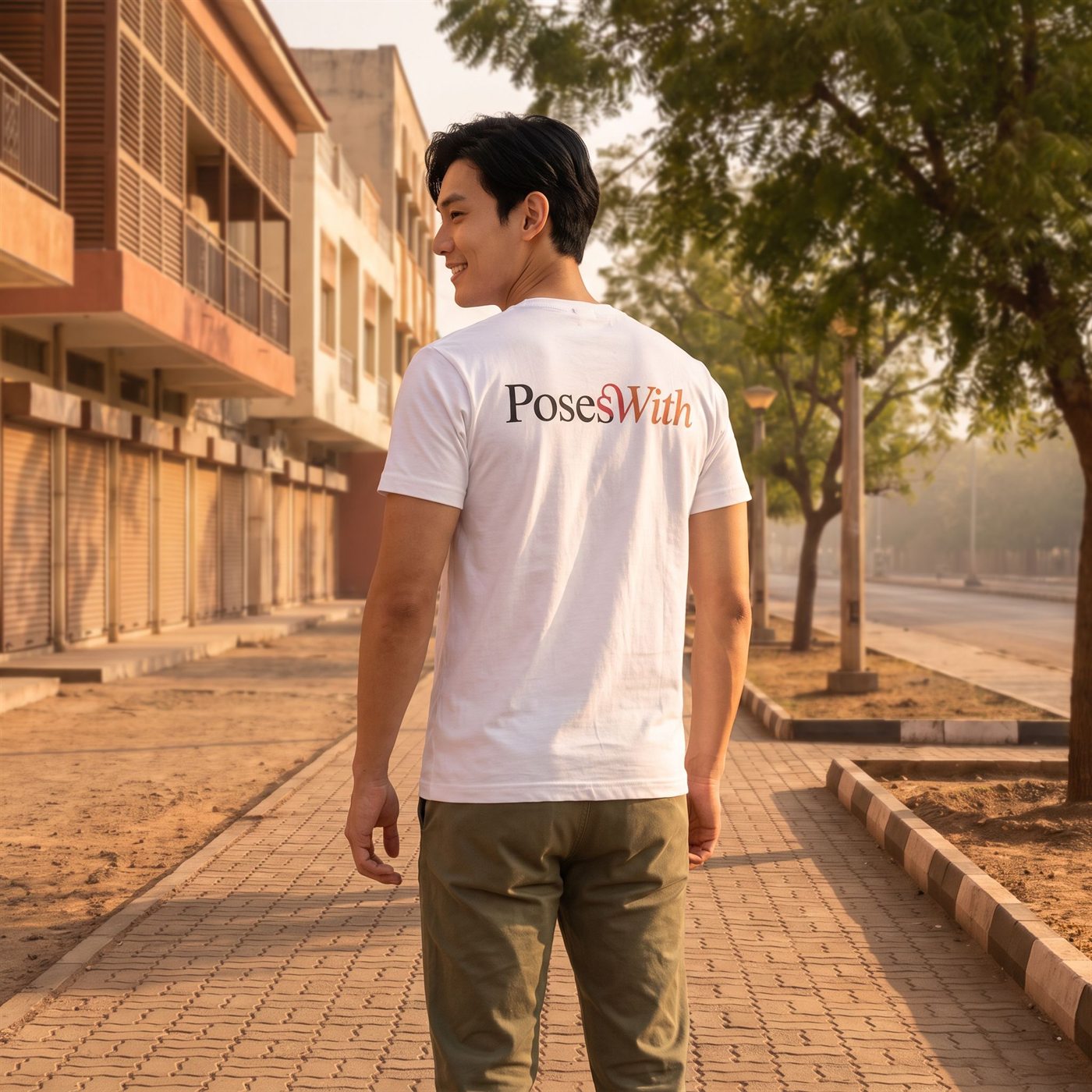
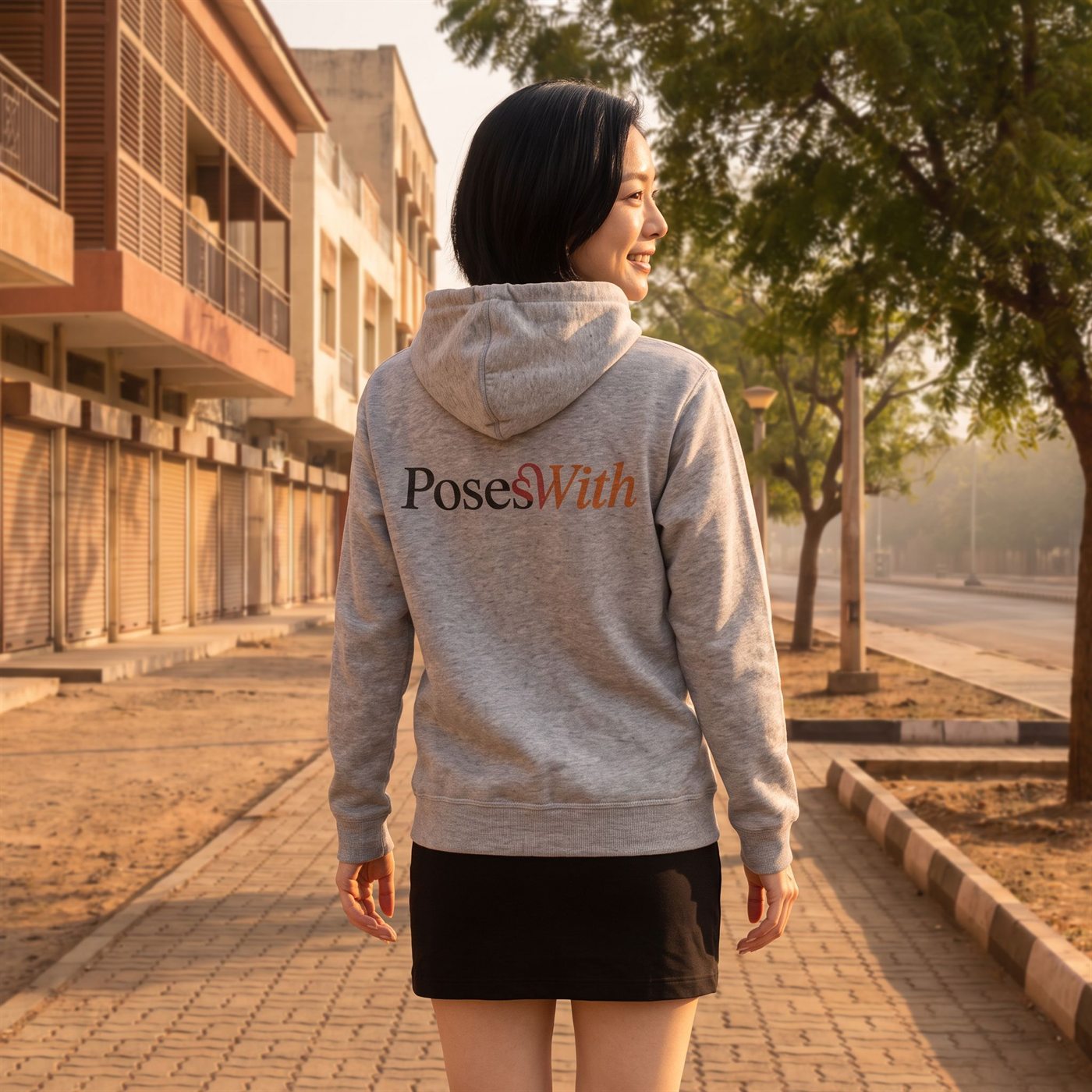
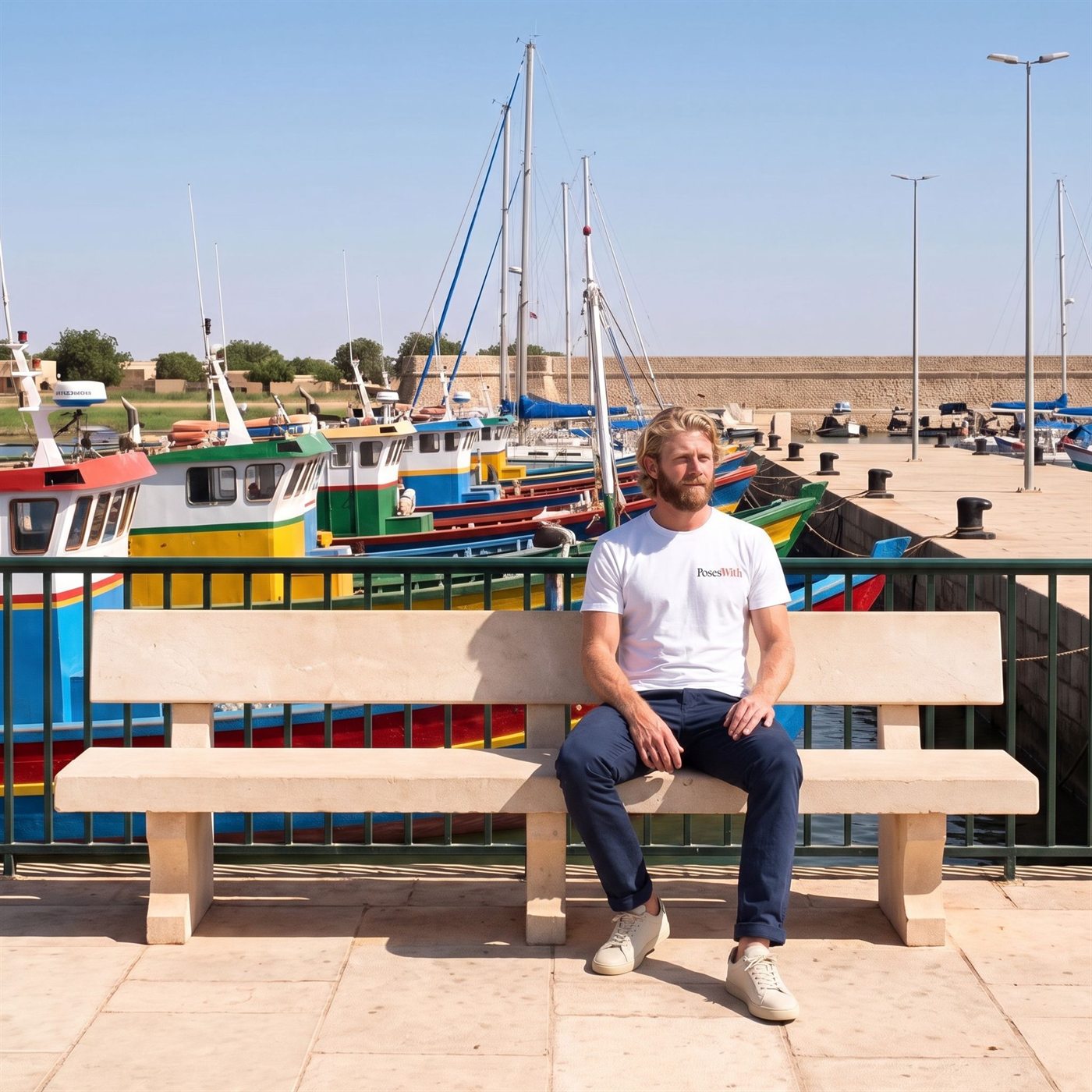
T-shirt and hoodie mockups on models, front and back
A design on the front shows in every picture. A design on the back needs a back photo: add it, then turn on Back View for shots from behind. If you only add the front, the back is made plain.
Product Shot frames the print itself, with the model showing only as much as needed. Up to five people can be in one picture, each in a different design, so one shot can show several designs at once.
Print on demand mockups for Etsy, Shopify and social
Choose the size before the picture is made, so nothing important is cut off. Use 1:1 square or 4:5 portrait for Shopify product pages, 1:1 square or 16:9 landscape for Etsy listings, 9:16 for Stories, Reels and TikTok and 2:3 for Pinterest. 4K gives you the most detail when shoppers zoom in.
Any picture can also become a 5, 10 or 15-second clip of the same model, design and place, with no sound.
Not a mockup generator: what's different
A mockup generator places your artwork onto a ready-made template photo of a blank product. PosesWith doesn't do that. It starts from a picture of the product with your design already on it, and makes a new photo of an AI model wearing or holding it, in the place you pick. A picture takes about a minute.
So keep your mockup generator or your supplier's mock-ups for flat product images. Use PosesWith for the on-model, lifestyle photos that show how the design looks when someone wears it.
More about on-model photos for clothing brands
Questions print-on-demand sellers ask
Can I use my supplier's mock-up as the product photo? Yes, if it shows the product on its own: the whole item front on, on a plain background, with no text, watermark or price label. If the mock-up has a person or a room in it, optimise it first so only the product is used.
Do you put my design file onto a blank T-shirt? No. PosesWith works from a picture of the finished product with your design on it, such as your supplier's mock-up or a photo of a sample. It doesn't place artwork files onto blank garments.
What if my design is on the back? Add a photo of the back as well as the front, then turn on Back View for shots from behind. If you only add the front, the back is made plain.
Will small print and text come out right? Each design is matched to its photo, but check every picture before you use it. Very small text can come out wrong.
Which print-on-demand products work? Things people wear or hold: T-shirts, hoodies and sweatshirts are worn by the model, and mugs are held. Bags and other accessories work too.
Can I use the pictures in my shop? Yes. You get a worldwide, permanent licence to use the pictures you make commercially, on your shop, marketplaces, ads and social media. You can't sell the pictures on their own, for example as stock images.