
Why on-model jewellery photography sells better
A ring on a white background tells a shopper what it looks like, but not how it looks on them. On-model jewellery photos answer the questions that stop people buying: how long is the chain, how big are the hoops, does the stone catch the light, will it go with what I wear? That is why jewellery brands book models for close-ups as well as packshots.
AI jewellery photography gives you those on-model pictures without a shoot day or a photographer. Your packshot stays your main image; PosesWith makes the worn, lifestyle pictures that sit beside it on your product page, in your ads and on social.
AI photos for necklaces, earrings, rings and bracelets
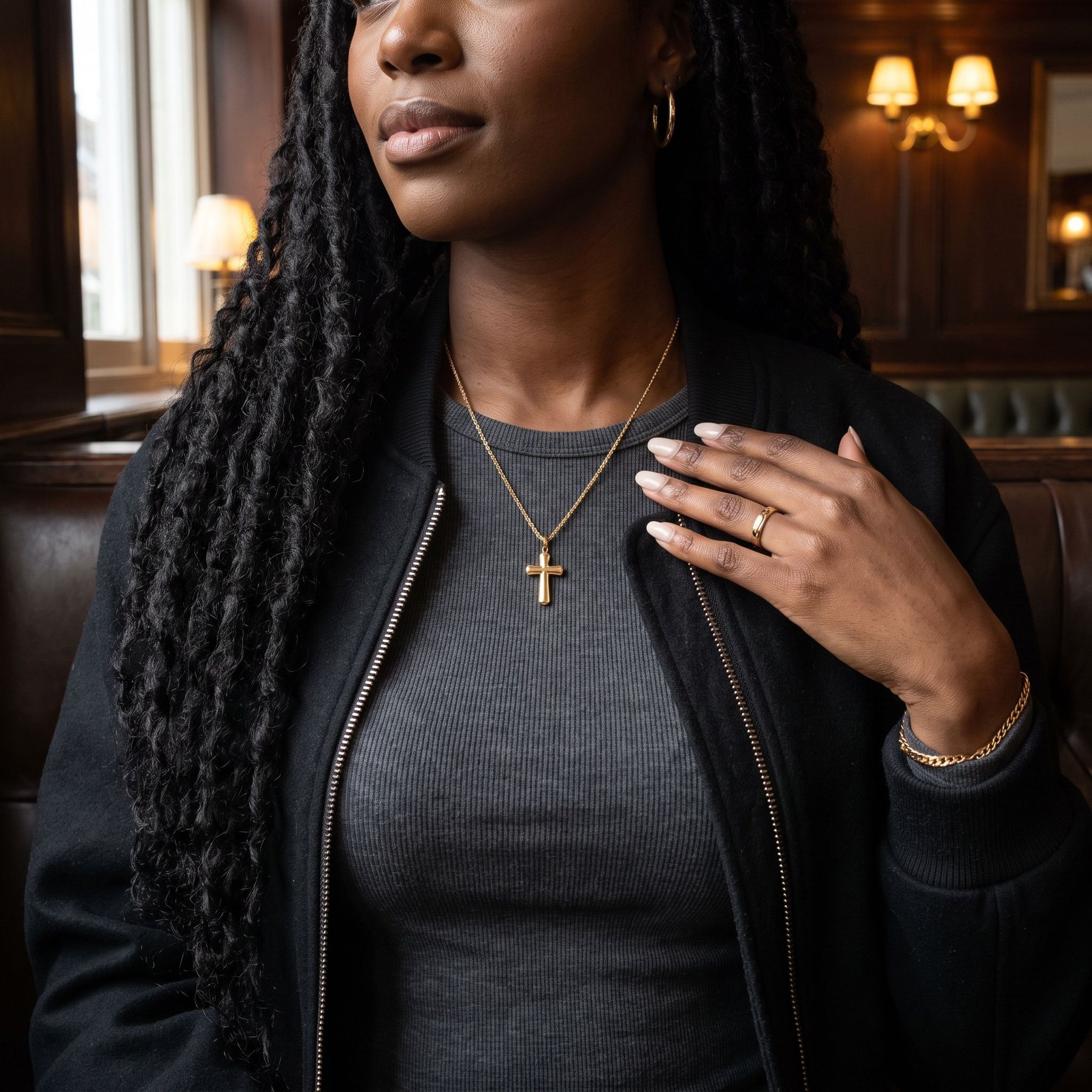
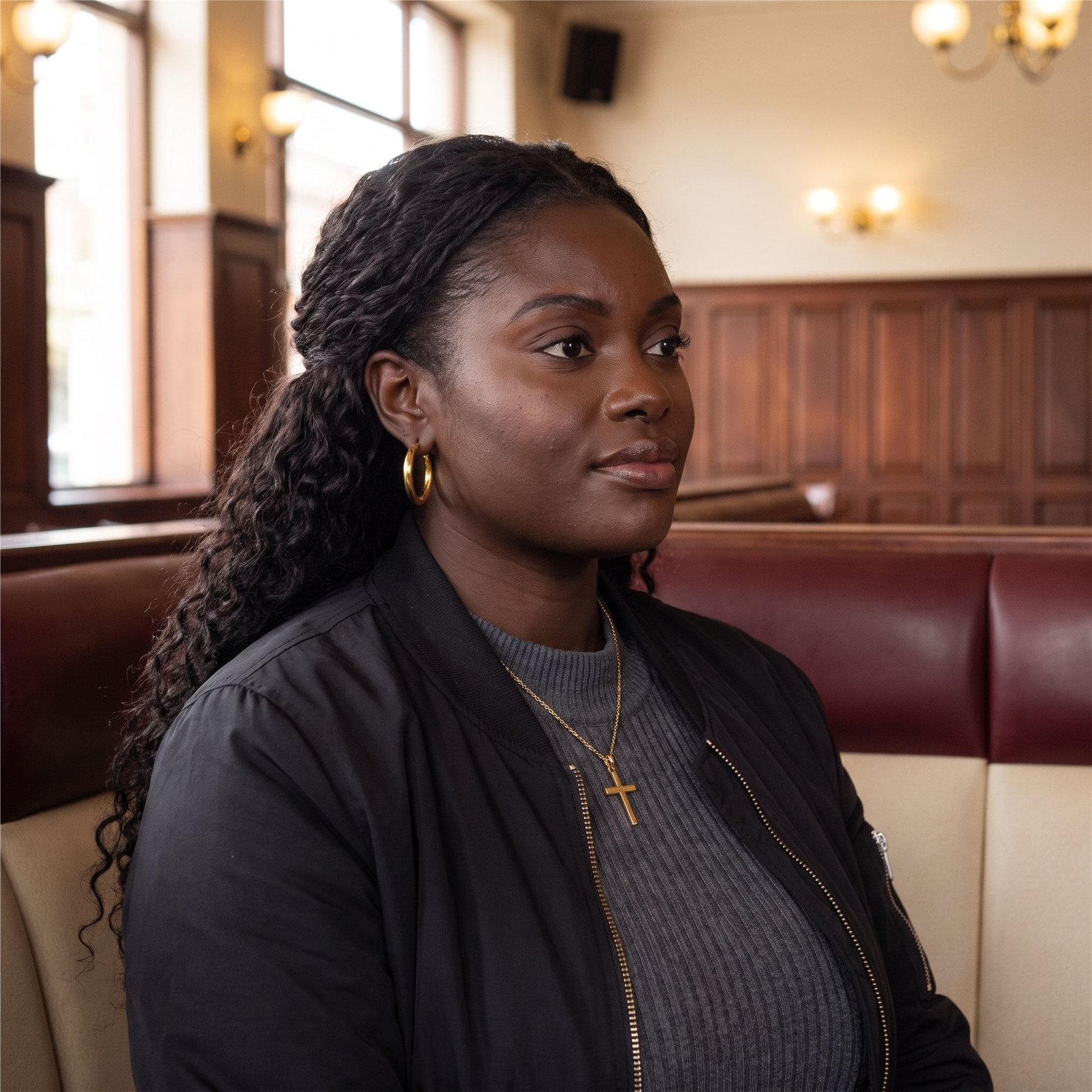
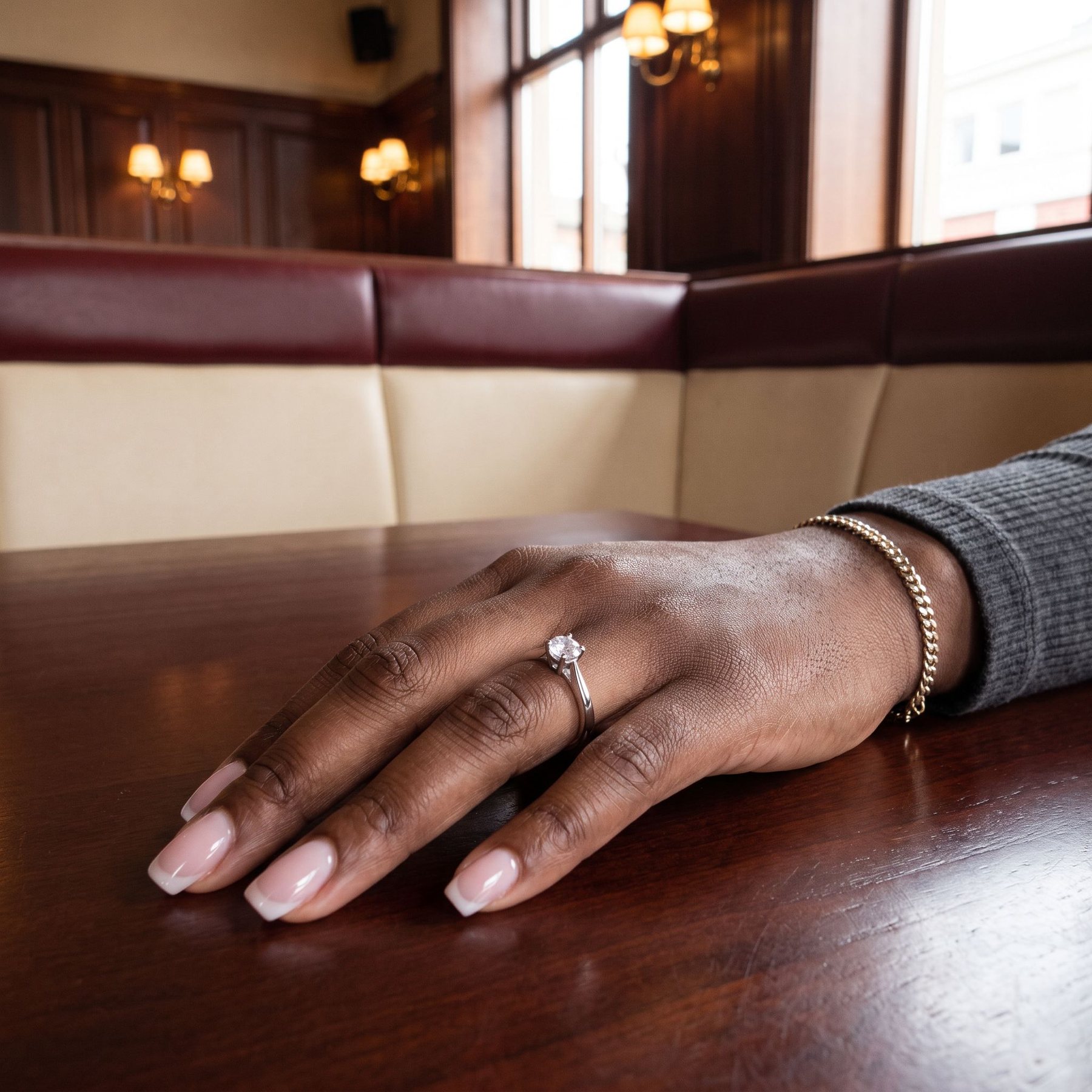
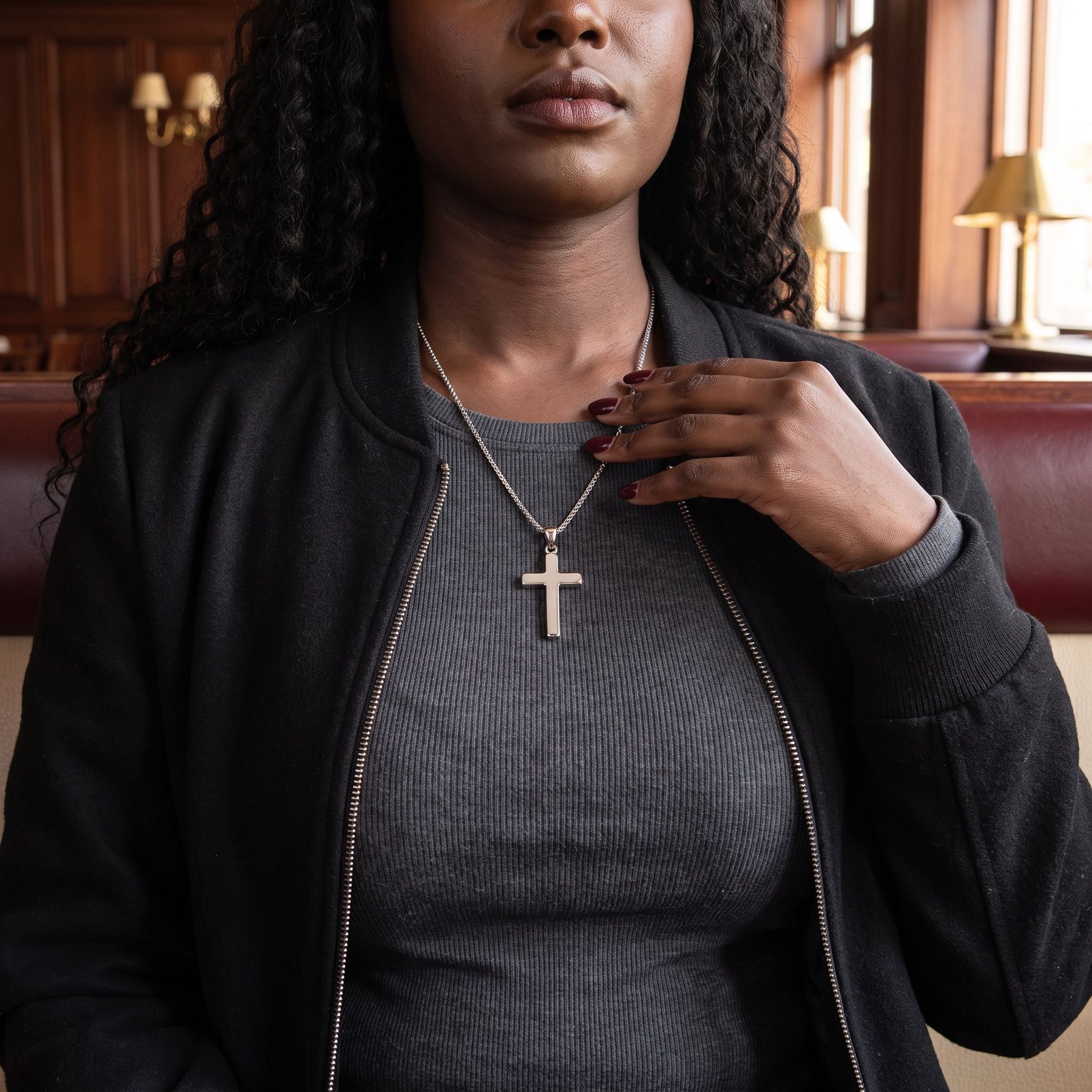
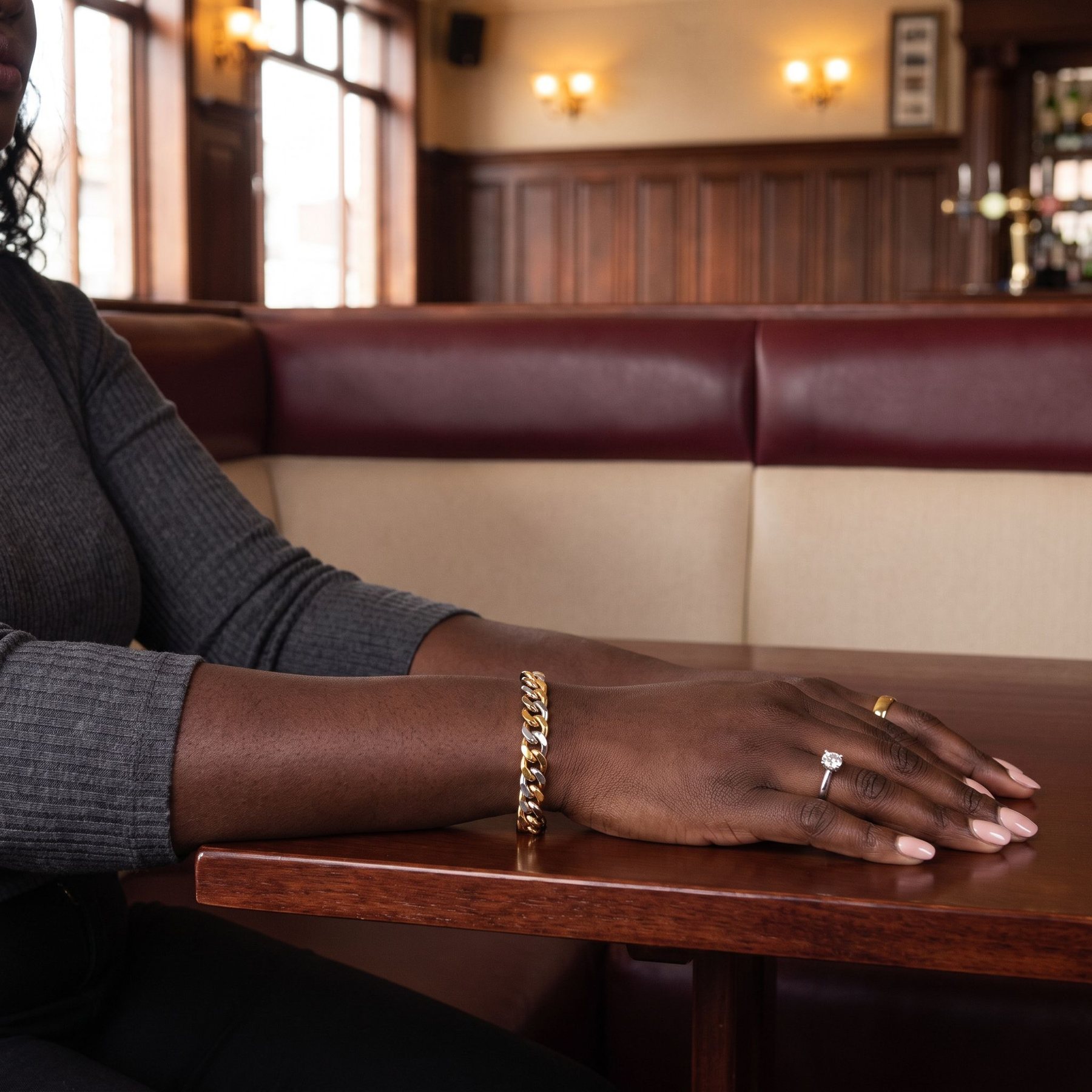
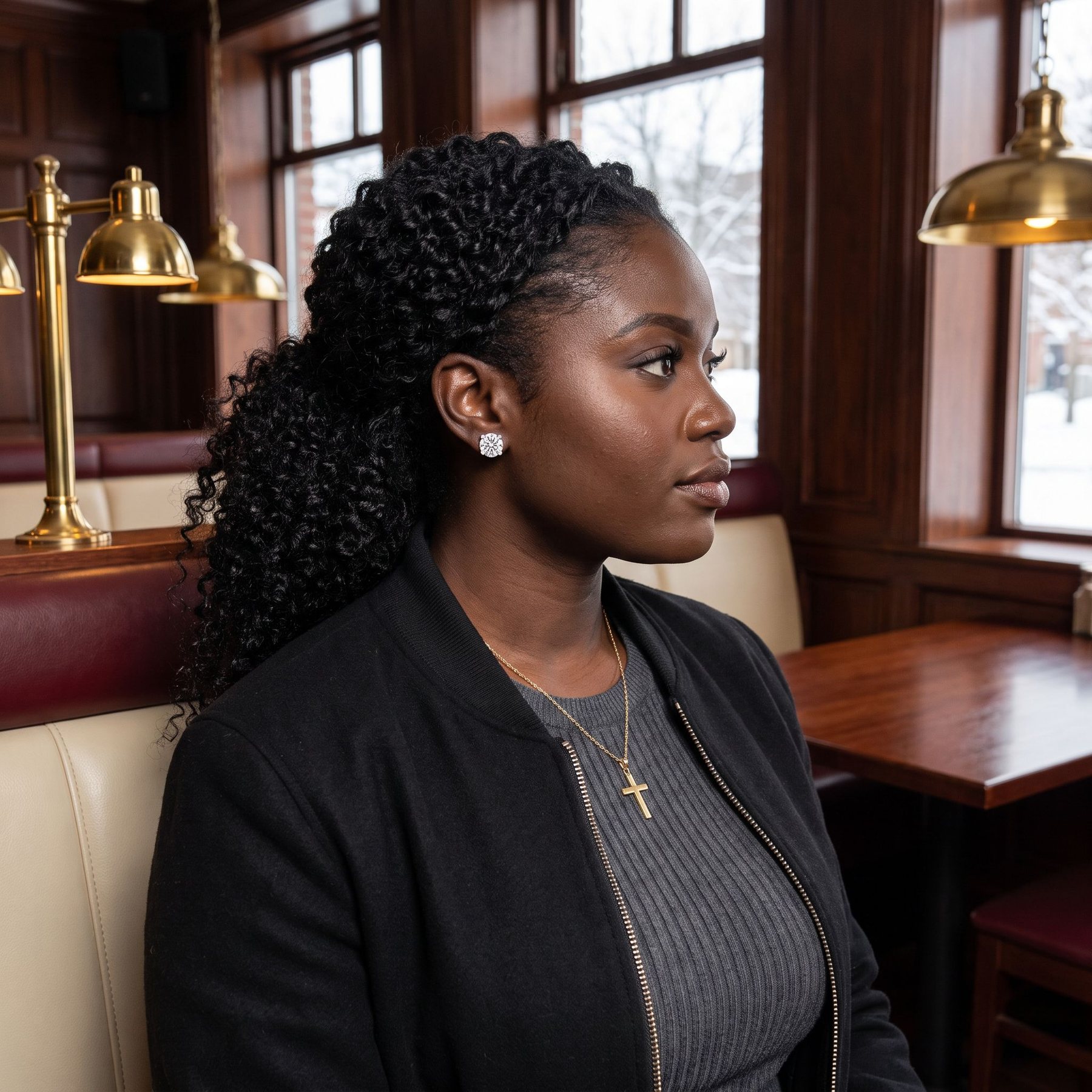
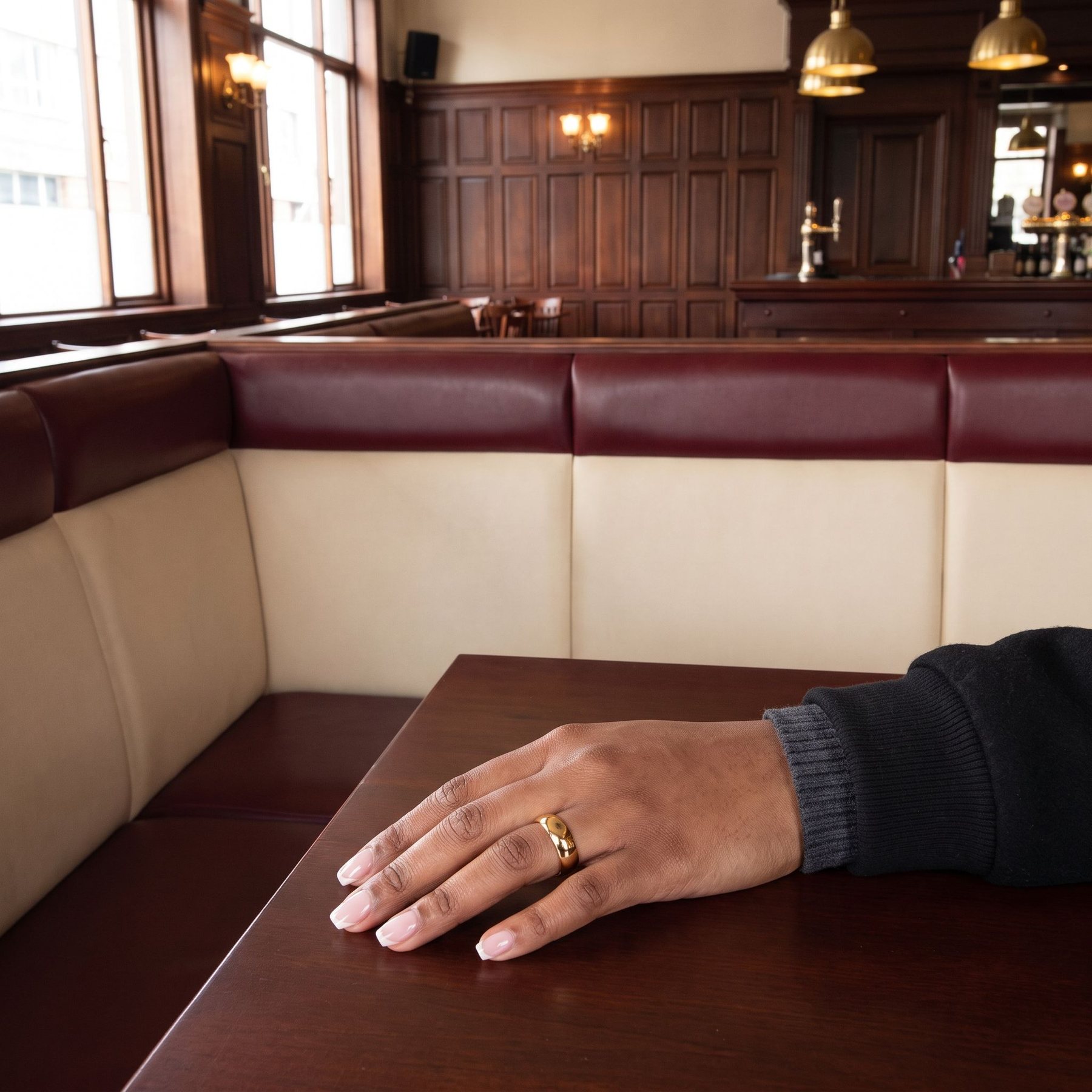
Each kind of piece needs its own framing, and Product Shot handles it: necklaces and pendants at the neckline, earrings with the model in profile and her hair back, rings and bracelets on a relaxed hand. The picture is about the piece - the model shows only as much as it needs.
Fine chains, small studs and solitaire stones are kept true to your product photo: the shape of a cross, the width of a band, the claws of a setting and the colour of the metal - gold, silver or two-tone.
AI jewellery models and places for your brand
Choose an AI jewellery model from the roster to suit your jewellery brand and your customers, or have a model made that only your account can use, so the same face wears your whole collection. Then pick the place - a cosy pub booth in the snow, a café window, a city street, a garden - and the size each picture is for: 1:1 and 4:5 for product pages and the feed, 9:16 for Stories and Reels, 2:3 for Pinterest.
Any picture can also become a short video clip of the same model, piece and place.
For handmade, Etsy and Shopify jewellery sellers
Ecommerce jewellery photography usually means a model, a photographer and a studio, and small jewellery businesses rarely have the budget for that every time a new collection lands. PosesWith gives handmade jewellery makers, Etsy jewellery shops, Shopify jewellery stores and Amazon jewellery sellers the same worn-jewellery imagery the big brands use, paid per picture with no subscription.
Use them as lifestyle images on your product pages, in your Etsy listing photos, on your Shopify collection pages, in Instagram and TikTok posts, on Pinterest pins and in Facebook and Instagram ads. Download each picture and upload it wherever you sell - there is nothing to install.
Questions jewellery sellers ask about AI photos
Can AI put my jewellery on a model? Yes. Upload a clear product photo of your necklace, earrings, ring or bracelet, add it as an Accessory, book an AI model and choose Product Shot. The piece is worn by the model and the picture is framed on it.
Do I need a hand model for ring photos? No. Rings and bracelets are shown on the AI model's hand - laid on a tabletop, against a jacket or holding a drink - so you get ring-on-hand and bracelet-on-wrist photos without booking a hand model.
How do I photograph jewellery for AI product photos? A phone photo is enough if it is sharp and in good light: the whole piece in frame, plain background, true colour, no hands or packaging. If your photo is busy, optimise it first so only the piece is used.
Will the jewellery look like mine? Each picture is made from your product photo and matched to it - the shape, the size, the stones and the metal colour. Very fine engraving or tiny lettering may not come through, so check every picture before you use it.
Can I show the same model wearing my whole collection? Yes. Book the same AI model for every shoot, or have a model made that only your account can use, so one face wears every necklace, pair of earrings, ring and bracelet you sell.
Are AI jewellery photos allowed on Etsy, Shopify and Amazon? You get a worldwide, permanent licence to use the pictures you make commercially, on your shop, marketplaces, ads and social media. Each marketplace has its own image rules - Amazon's main image must be your product on white, which PosesWith doesn't make - so check the rules for where you sell and use our pictures for your lifestyle and on-model images.
Tips for your AI jewellery photoshoot
Start from a clear jewellery product photo of the piece on its own: sharp, well lit and in true colour, with the whole piece in frame. Add it as an Accessory, so models wear it with their own outfit. For one piece on its own, give that model only that piece in the shoot; give her a whole set and she wears them all while each shot frames one.
Every picture is AI-generated and carries an AI label in its file data. Show your pieces honestly, and don't present an AI model as a real customer.