


Ecommerce product photography for every kind of Shopify store
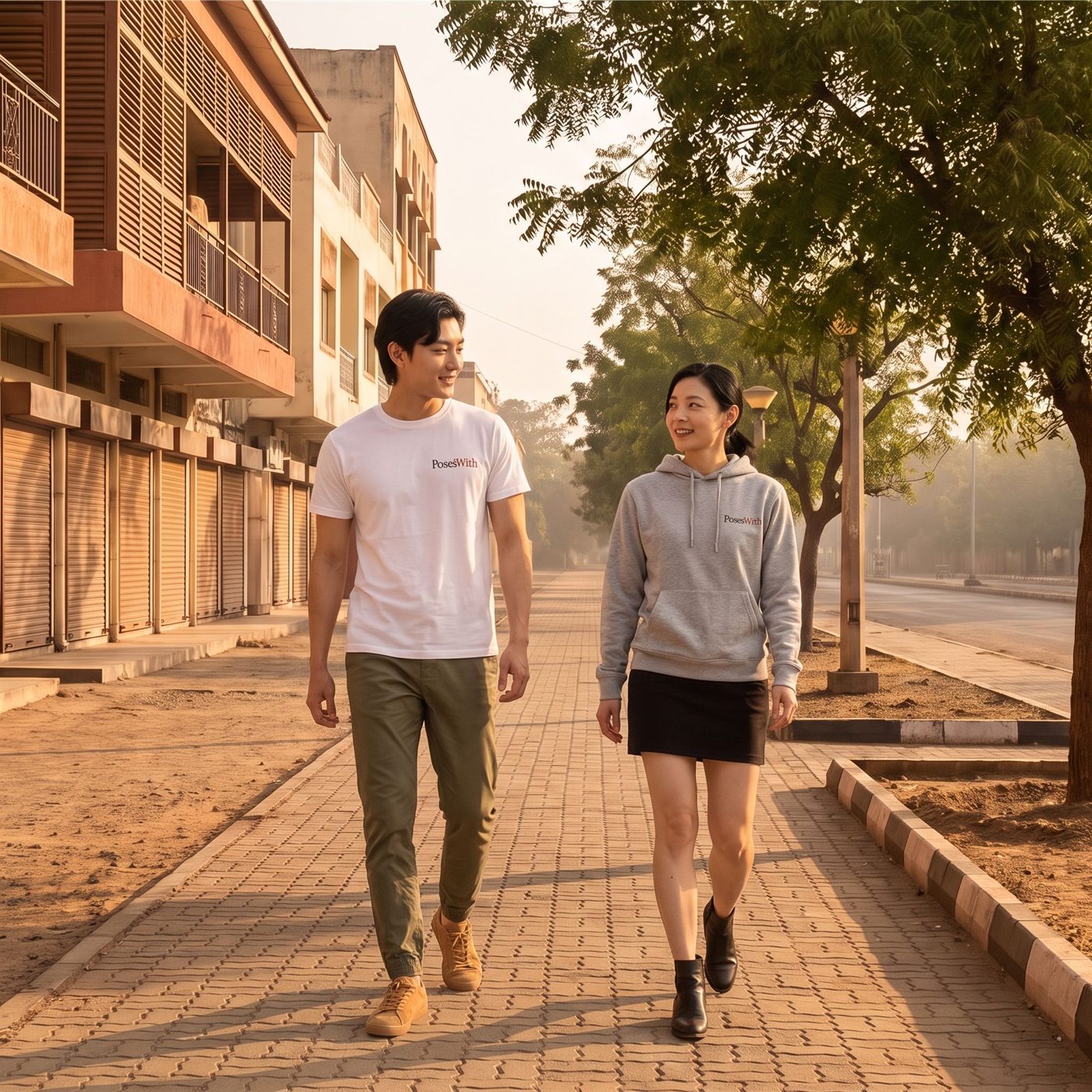
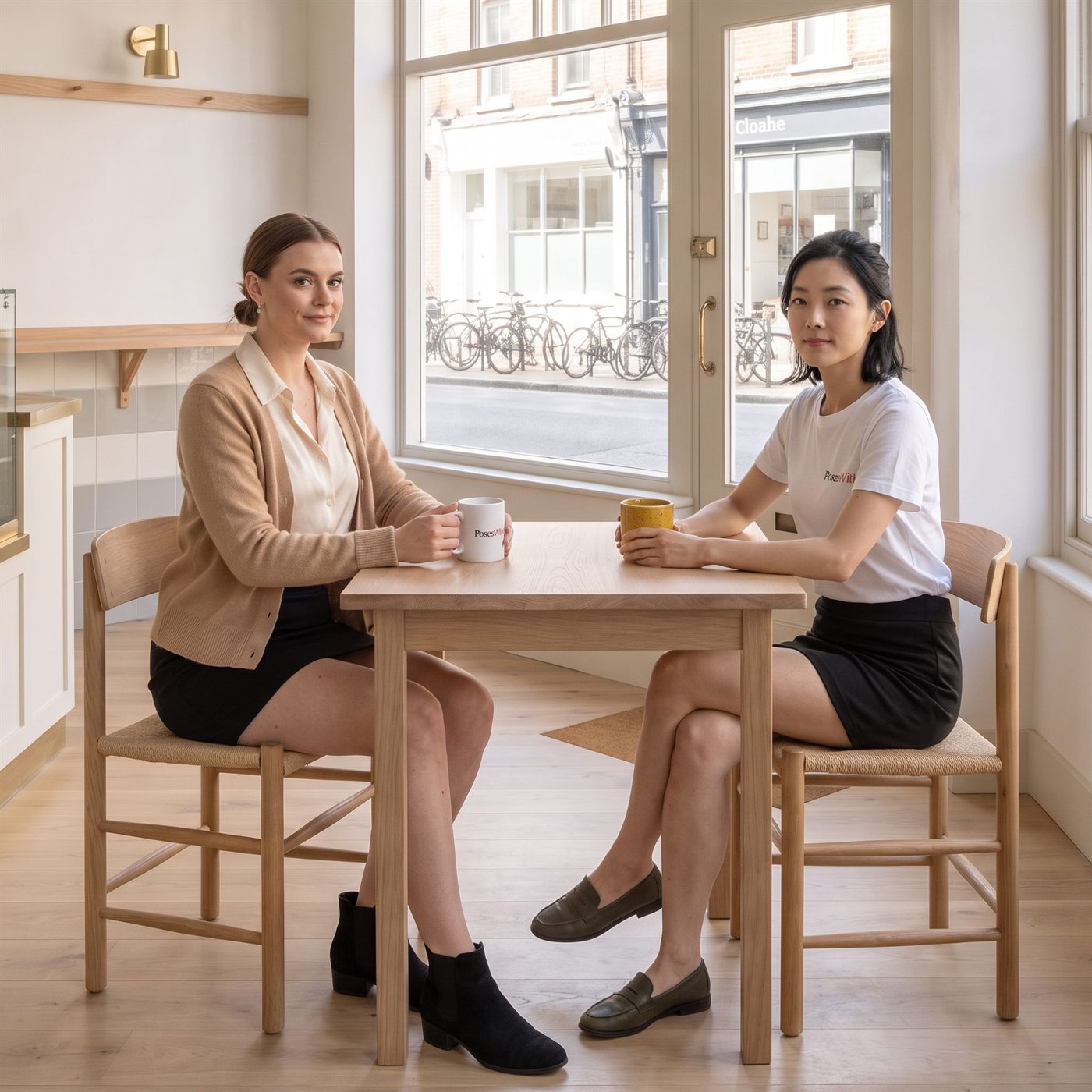
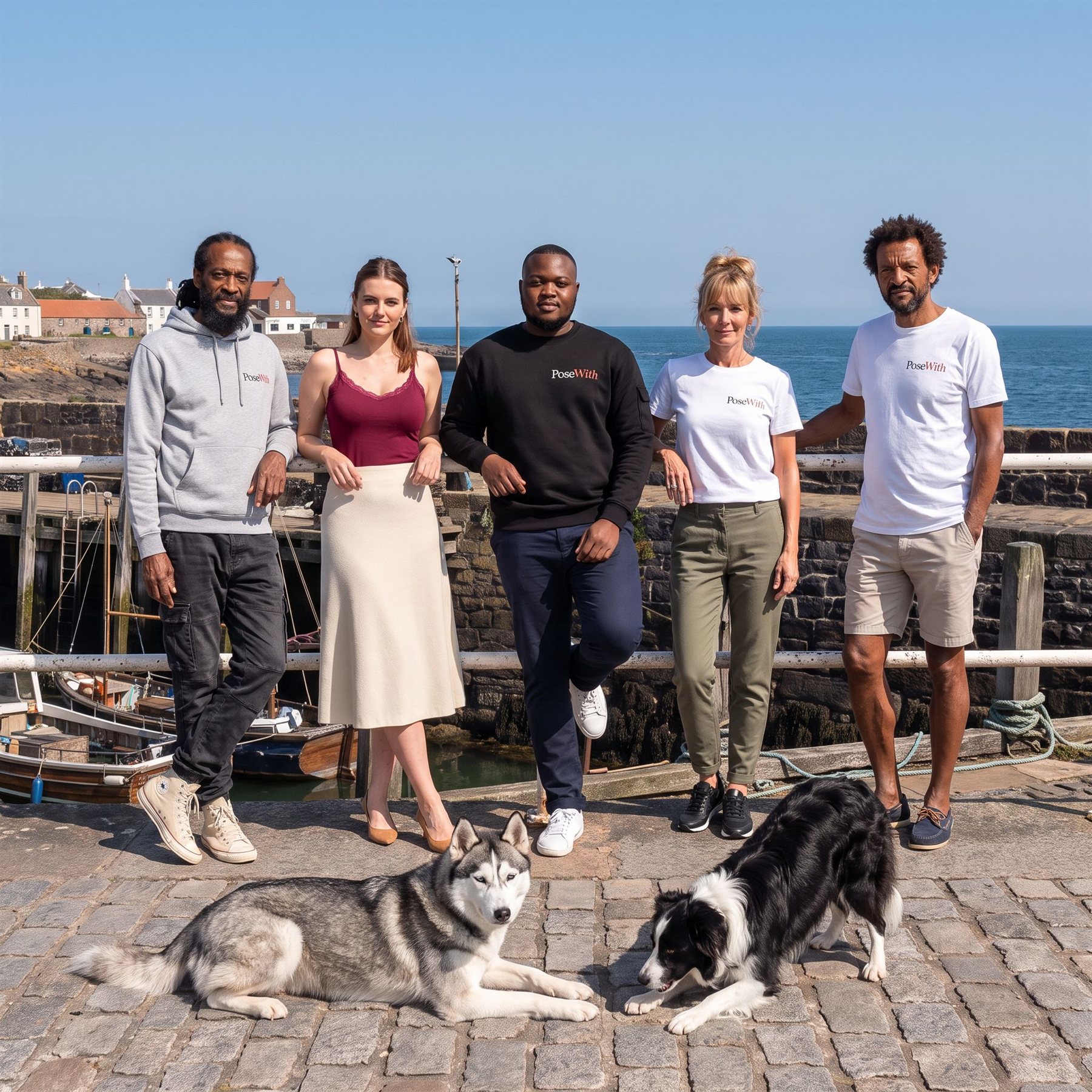
Fashion boutiques, streetwear labels, activewear brands, jewellery stores, homeware shops, gift shops and pet product stores all use PosesWith for AI product photography. Start from your existing product images and get on-model photos, lifestyle product images and short product videos for your Shopify product pages, collection banners, homepage hero and email campaigns.
It suits new Shopify stores that need product photos fast, dropshipping and print-on-demand stores that only have supplier mock-ups, and growing brands that want consistent product imagery without booking a photographer, a model and a studio for every launch.
Print-on-demand mockups on AI models, from your supplier mock-ups
Picture sizes for your Shopify theme
Which picture shape suits your store depends on your theme. Every PosesWith picture can be made in five sizes, and you choose the size before the picture is made, so nothing important is cut off.
Use 1:1 square or 4:5 portrait for product pages and collection grids, 16:9 for homepage banners and slideshows, 2:3 for Pinterest and 9:16 for stories and reels. 4K is there when your theme zooms in close. Check which shape your theme crops product images to, and use that shape across a collection so the grid lines up.
Shopify's own pixel sizes and file limits, in Developer-Guy's Shopify product image size guide
WooCommerce product images, and every other store
The pictures work in any store. You download each picture and upload it the way you add any image, so the same pictures become your WooCommerce product images, your Wix or Squarespace product images, your Big Cartel product photos or the pictures on your own website. There's nothing to install and no app to connect.
Questions Shopify store owners ask
Is there a Shopify app? Not yet. You save each image or clip and add it in your Shopify admin like any media, so it works with every theme and needs nothing installed.
Can I replace supplier photos with my own lifestyle images? Yes. Start from the supplier's product photo, optimise it if it is busy, and get your product worn or used by AI models in authentic settings, so your store stops looking like every other store selling the same item.
How much does AI product photography for Shopify cost? It is pay as you go with prepaid credit and no subscription - you pay per picture or clip you make. See the pricing page for today's prices in your currency.