


eBay photo requirements: what eBay asks for
eBay's picture policy says you "must include at least one photo that is 500 pixels on the longest side". It doesn't allow photos that don't accurately represent the item, stock photos for used, damaged or defective items, photos with added borders, photos with added text, artwork or marketing material, or watermarks of any type.
eBay's photo tips go further. They recommend images of "about 1600 x 1600" pixels, up to 12MB each, and say photos in a 1:1 or 16:9 shape look best. You can add up to 24 pictures, and "Your main photo should show the whole item face-on".
eBay product photos for new stock
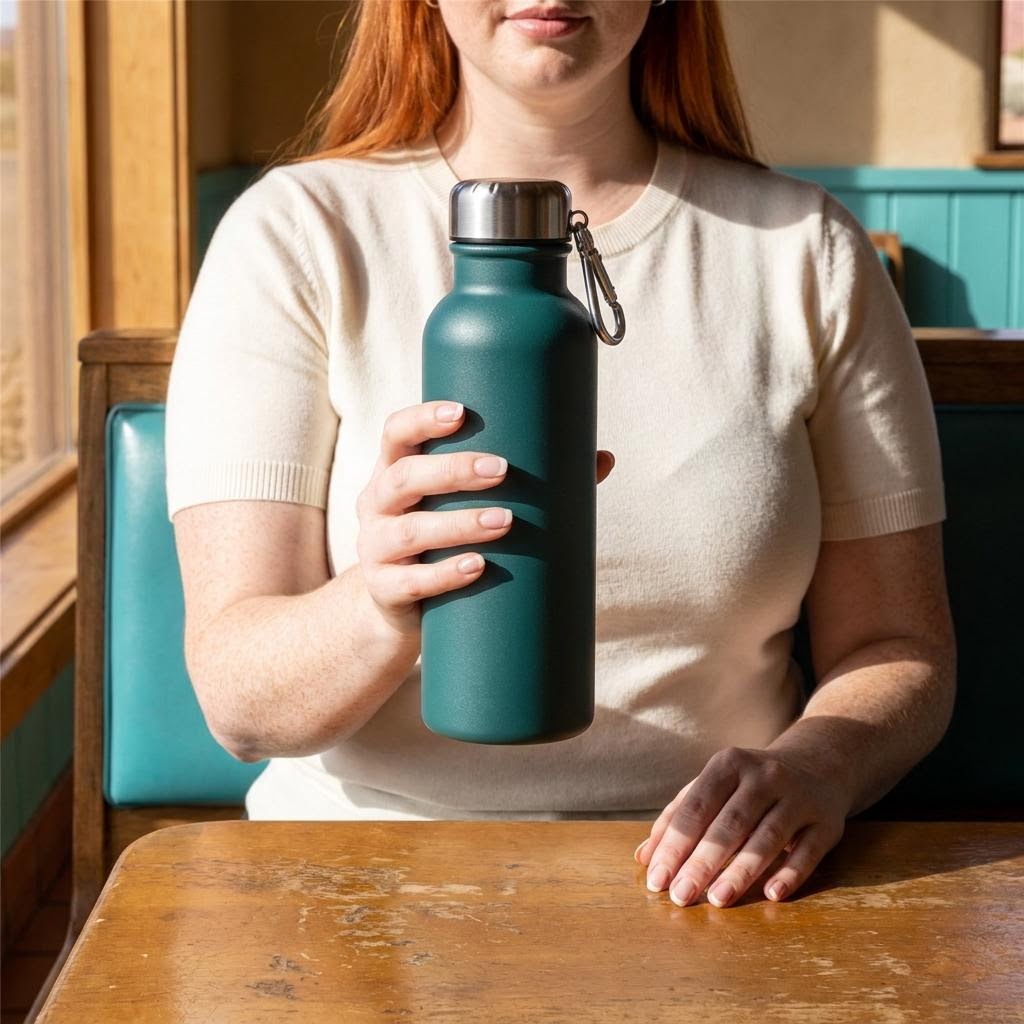
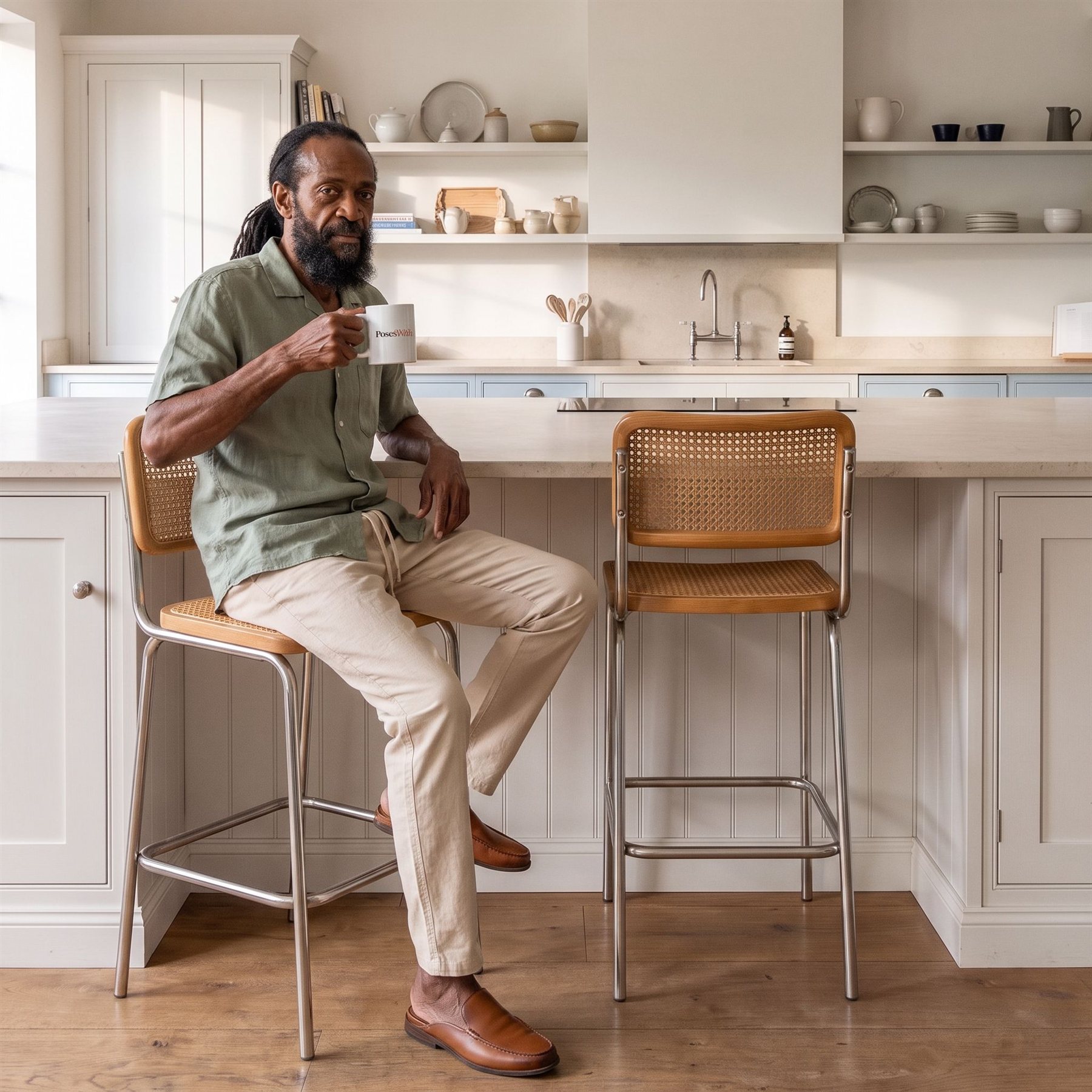
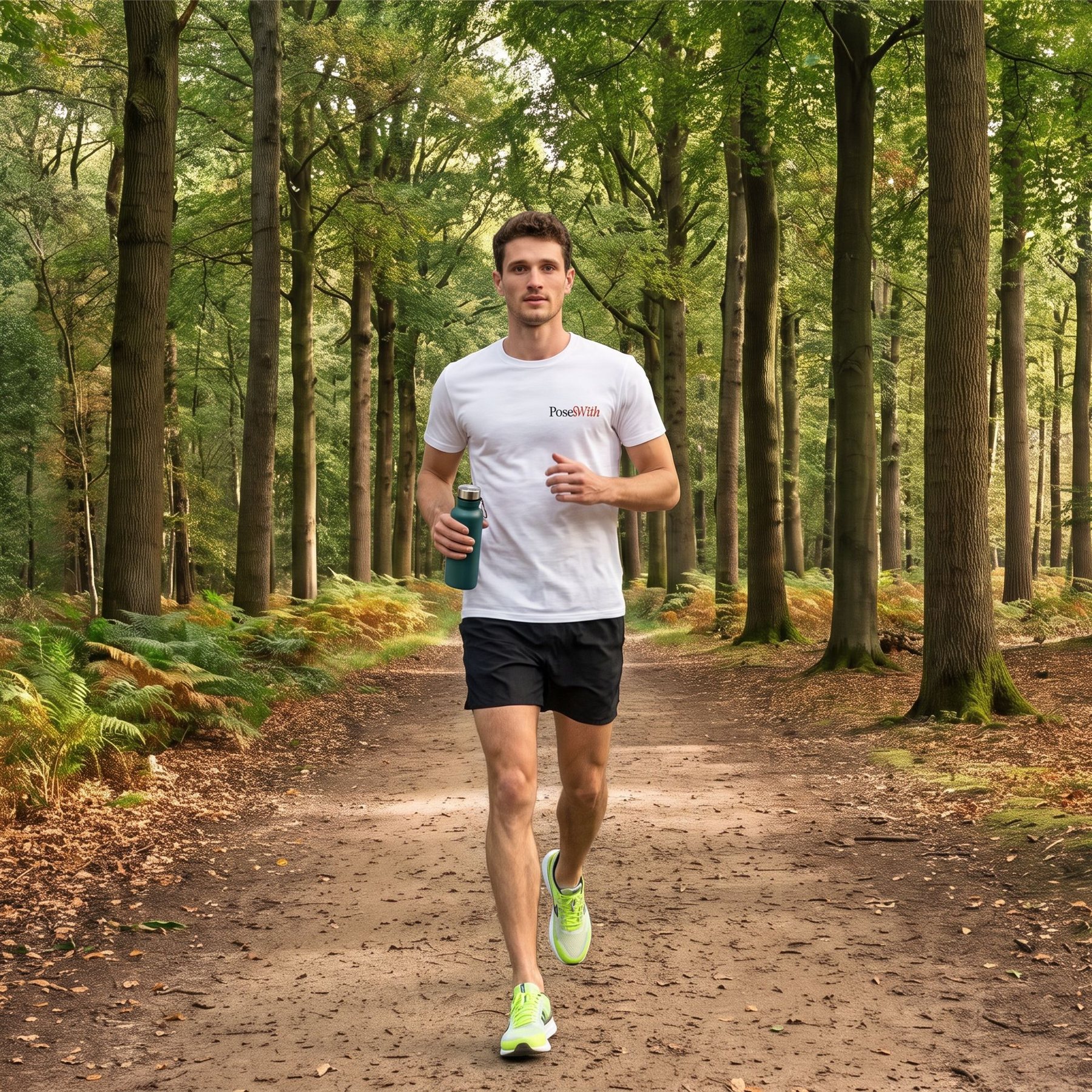
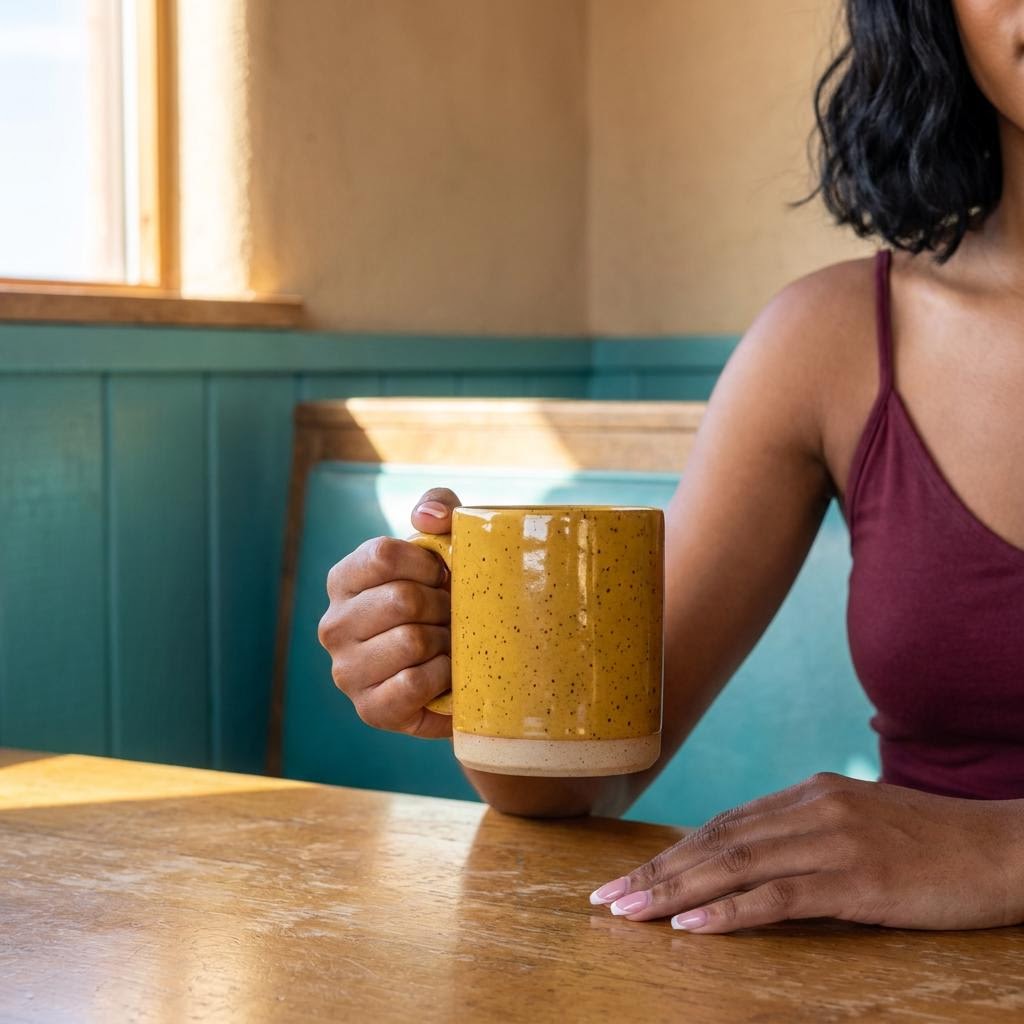
PosesWith pictures are made from your product photo. They show your product, but they aren't photos of the actual item a buyer will get. So use them for new stock, where every item is the same, and never in place of photos of a used item. eBay says "You can't use a catalogue or stock photo if you're listing an item as used."
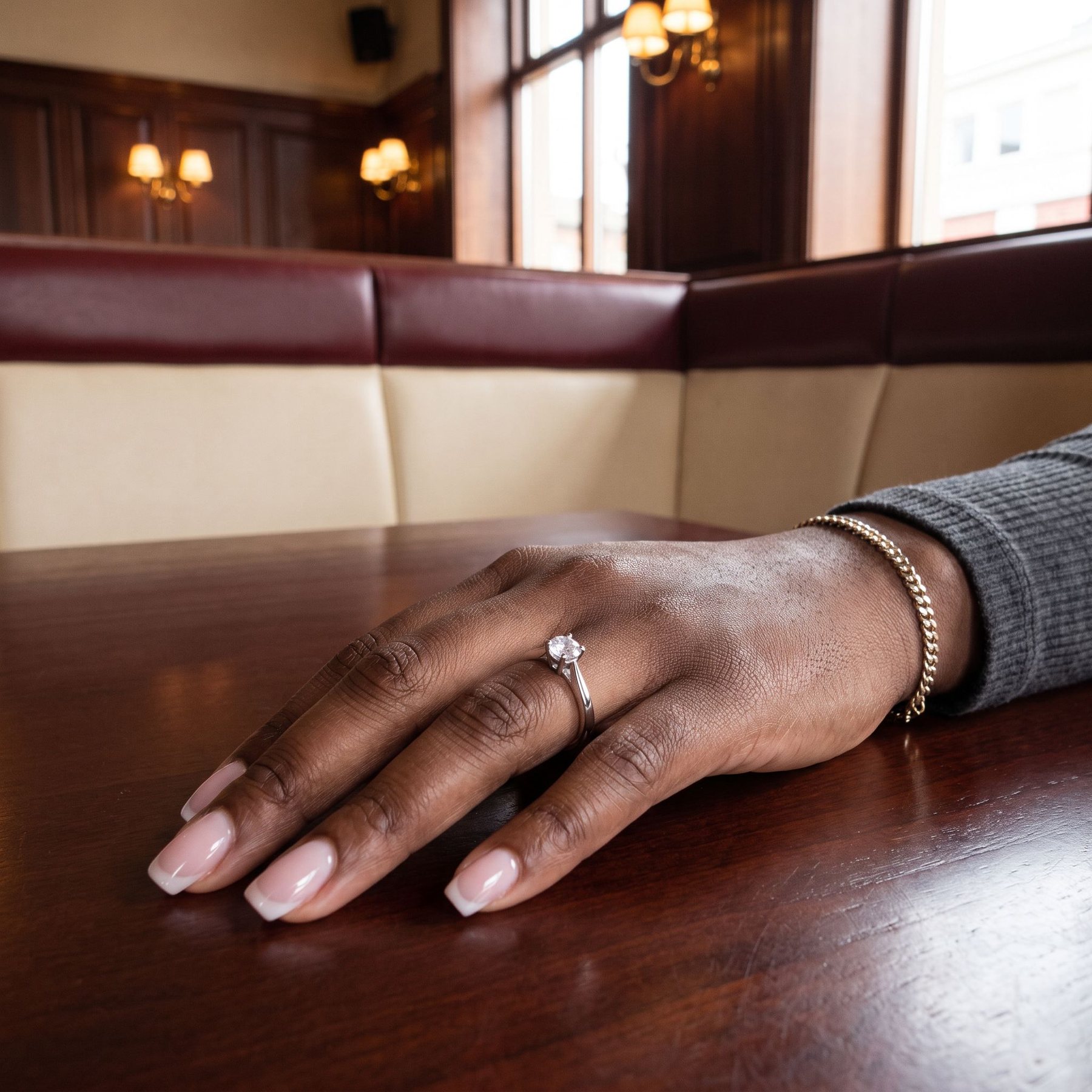
Put your own clear photo of the item first, face-on, as eBay asks. Then add PosesWith pictures after it to show the item worn, held and used. Check every picture against the real item - its colour, its size and its details - before it goes in your listing.
eBay photos from your own product photos
eBay asks sellers to take their own photos, and says you can't use images from a manufacturer's website. So start from a product photo you took yourself, or one you have the rights to use. A phone is enough if the photo is sharp and in good light, with the whole item in frame, a plain background and no text or price labels.
Every picture you make comes with a worldwide, permanent licence to use it commercially, on eBay and everywhere else you sell.
eBay's images, videos and text policy
eBay product photography: sizes and picture order
Make your eBay pictures in 1:1 square or 16:9 landscape, the shapes eBay says look best. Every PosesWith picture is well over eBay's 500-pixel minimum. For eBay's recommended size of about 1600 x 1600, choose 4K.
Download each picture and add it in the Photos & Video section of your listing, after your main photo. A clip of the same scene can go in as your listing video.
eBay's guide to adding pictures to your listings
Questions eBay sellers ask
Does eBay allow AI product photos? eBay's picture policy doesn't mention AI. It says photos must accurately represent the item, and it doesn't allow added borders, text, artwork, marketing material or watermarks. eBay's own app also offers AI-generated backgrounds for listing photos. Use our pictures for new stock, after your own main photo, and check eBay's rules before you list.
What are eBay's photo requirements? At least one photo that is 500 pixels on its longest side, with no added borders, text, artwork, marketing material or watermarks, and no stock photos for used, damaged or defective items. eBay recommends about 1600 x 1600 pixels.
Can I use the pictures for a used item? No. PosesWith pictures aren't photos of the actual item, and eBay doesn't allow stock photos for used, damaged or defective items. For anything second-hand, take your own photos of the item you are selling.
How many photos can an eBay listing have? Up to 24. Put your own face-on photo of the item first, then add pictures of it worn, held and used.
Can I add a video to my eBay listing? Your listing has a Photos & Video section, and eBay recommends videos shorter than 1 minute. Any PosesWith picture can become a 5, 10 or 15-second clip with no sound.