
For handmade, vintage and small-batch Etsy shops
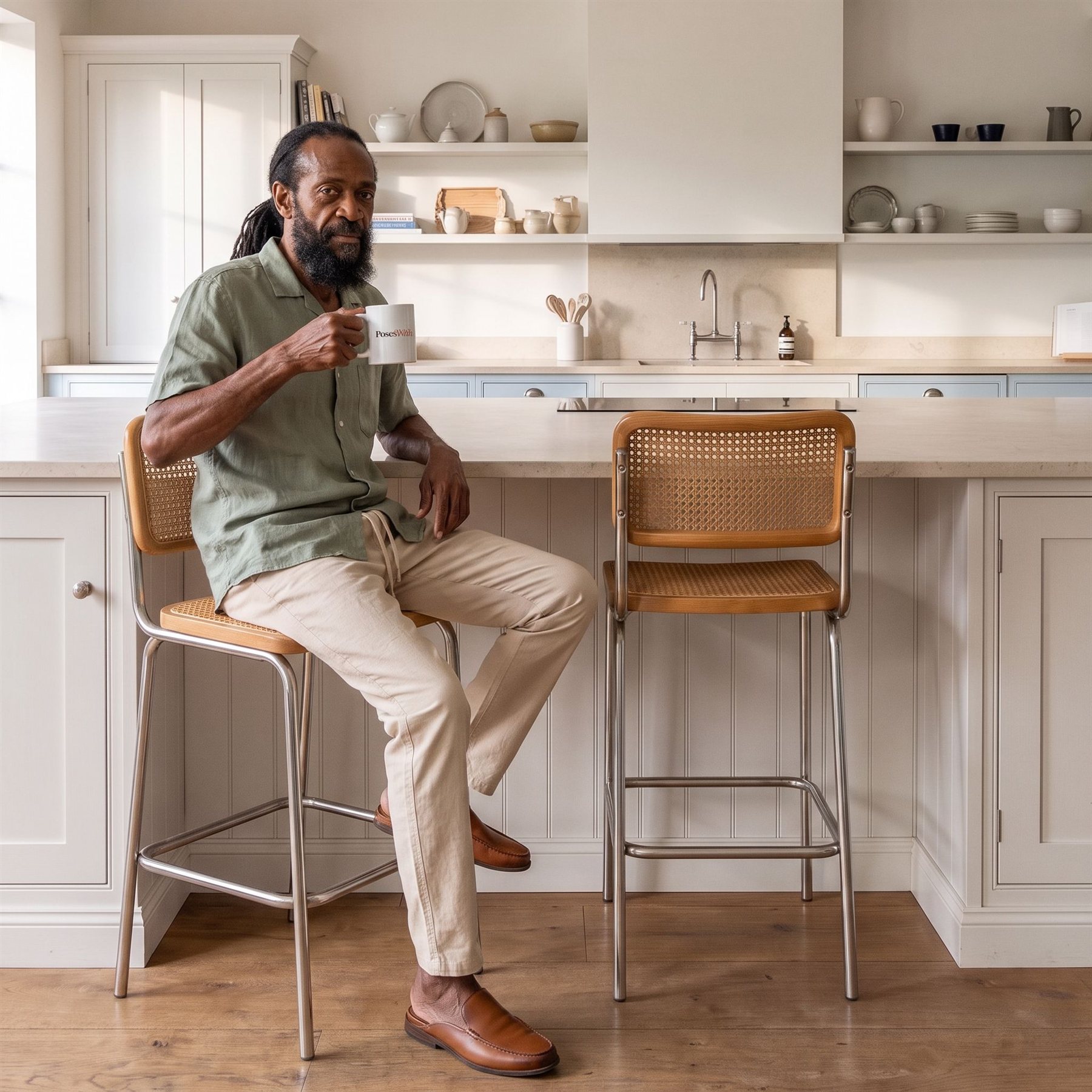
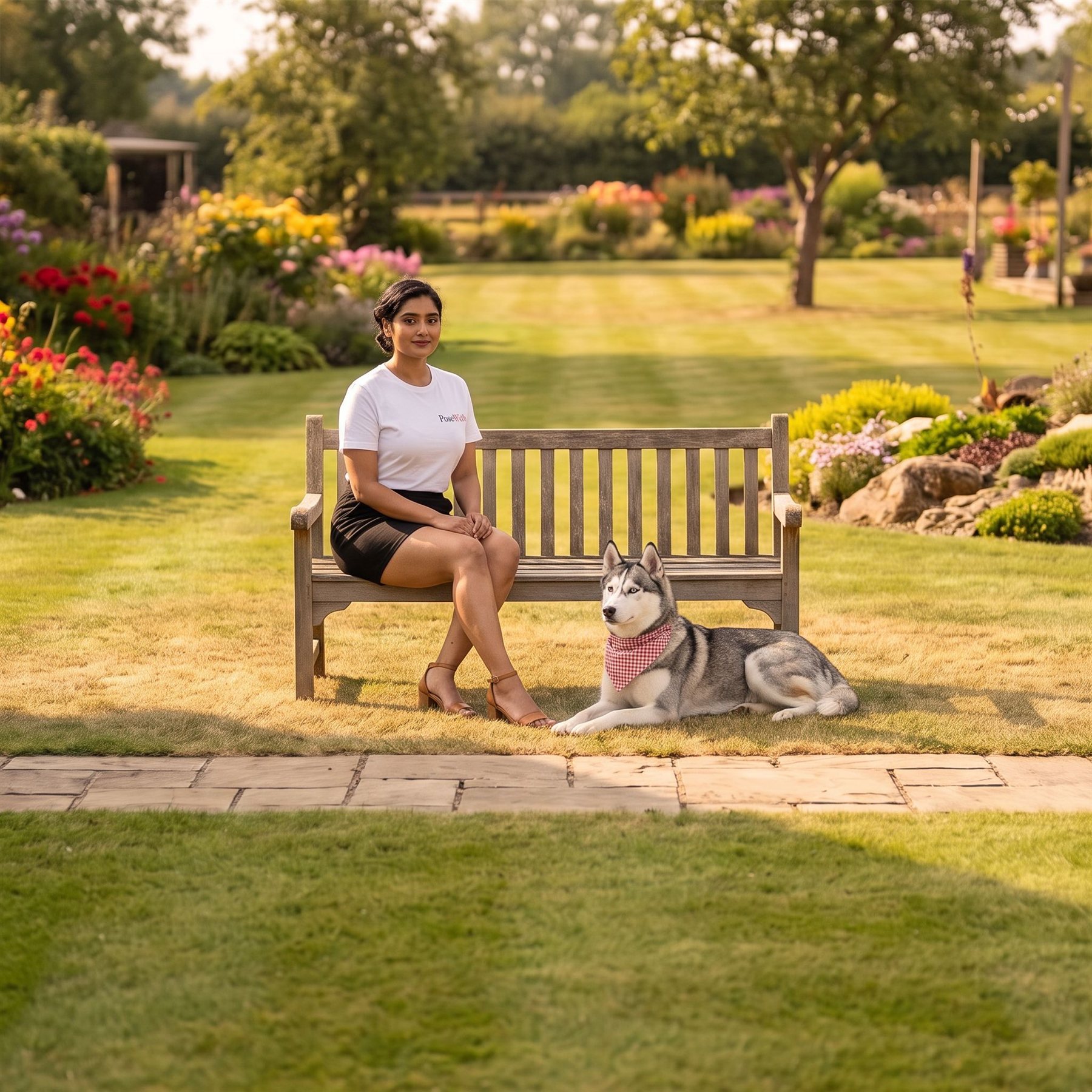
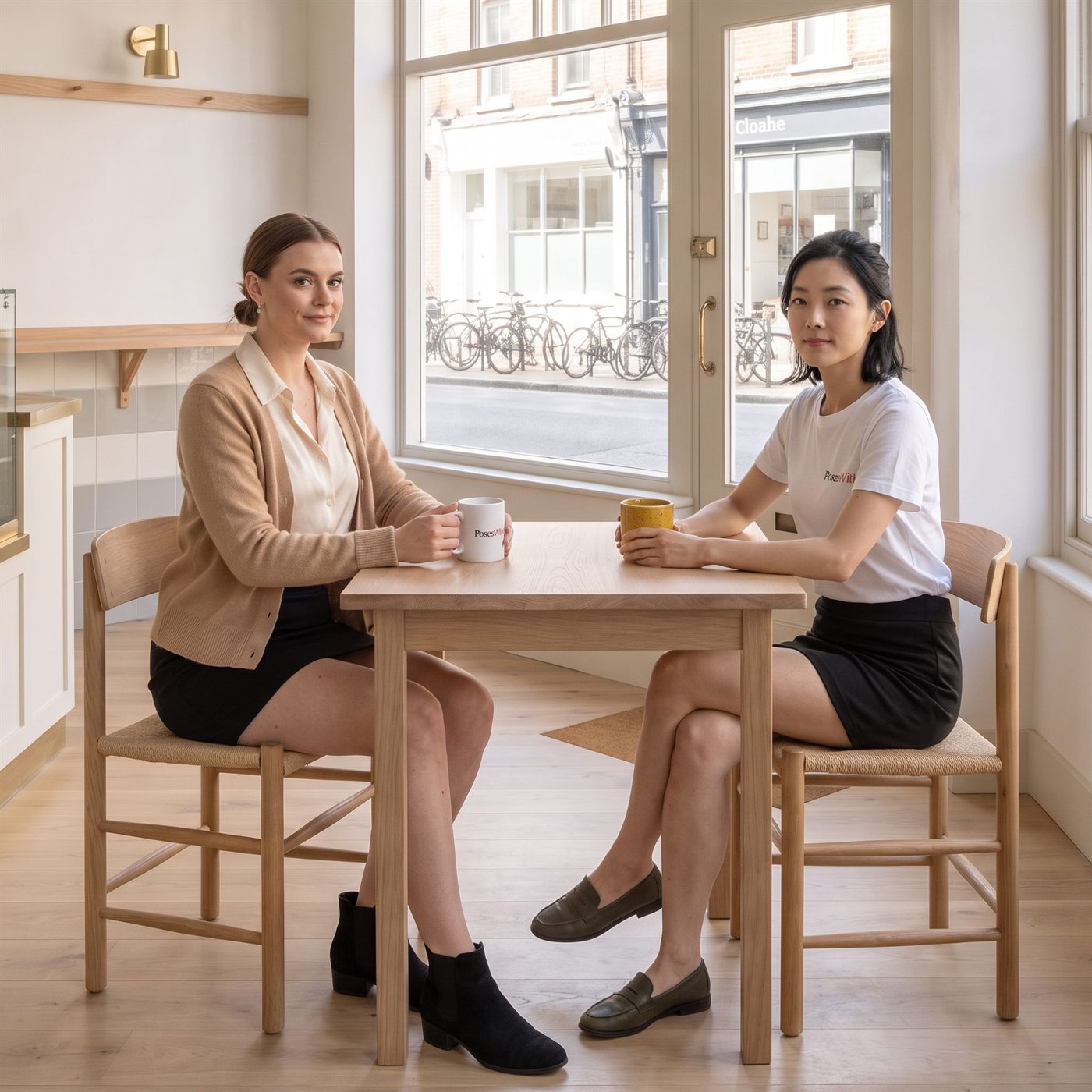
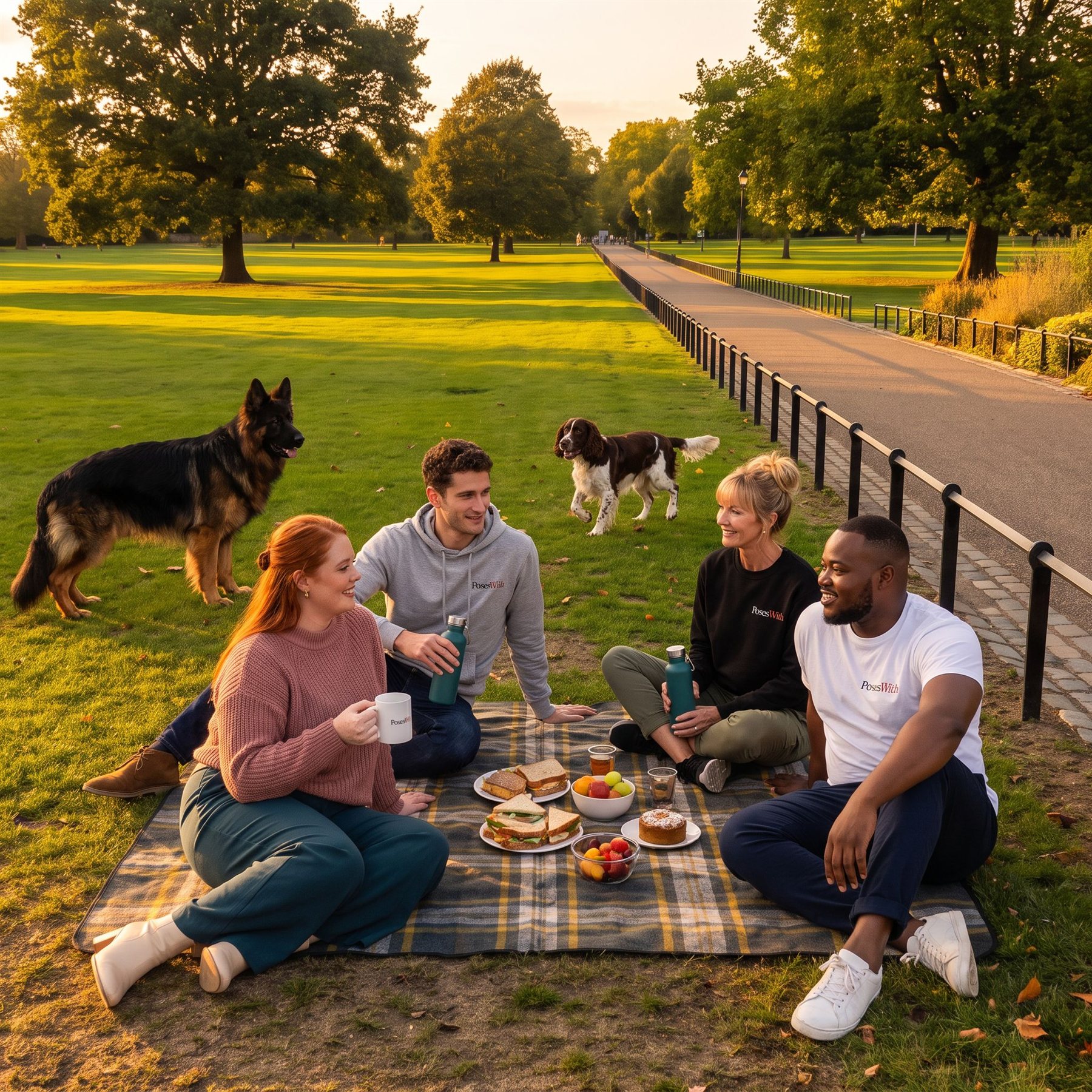
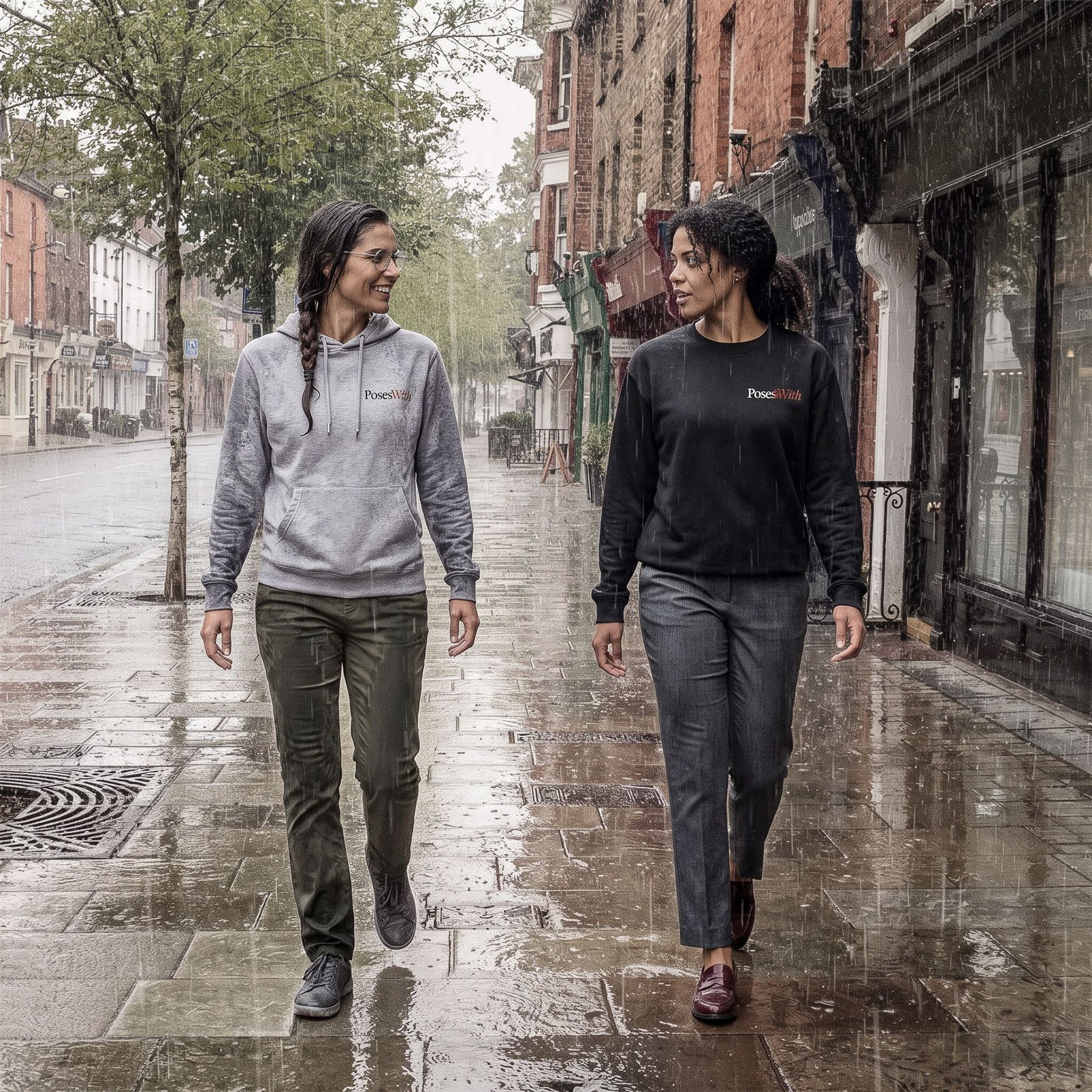
Etsy sellers making handmade clothing, knitwear, jewellery, candles, ceramics, mugs, prints, bags and pet accessories use PosesWith to turn a plain product photo into lifestyle listing photos. Your handmade products are shown worn, held or used by AI models at home, in cafés, in gardens and outdoors - the cosy, real-life feel Etsy buyers look for.
It is built for one-person shops and small craft businesses: no studio, no model fees, no photographer and no monthly subscription. Make listing photos for a new product in minutes, and a moving version for the video slot.
Etsy photography: how to take product photos for Etsy
Good Etsy photography starts with one honest photo. Etsy asks for at least one unedited photo of the actual item against a real background, so take that one first: the item as it is, in good daylight, nothing added.
Then take a clean product photo for PosesWith. A phone is enough if the photo is sharp and in good light, with the whole item in frame, a plain background, true colour and no hands or packaging. This is the photo you upload.
Now make the rest of your Etsy product photography. Upload the clean photo, pick models and a place, and choose the size before the picture is made - 1:1 square or 16:9 landscape suits Etsy. Check every picture against the real item, its colour, condition, scale and materials, before it goes in your listing. Your Etsy product photos then show the make on its own and in use.
Etsy photo size: requirements and the photos Etsy asks for
Etsy recommends listing photos "at least 2000 pixels" wide and high. Your first photo should be at least 635 pixels and "horizontal (landscape) or square", and it sets the shape of the photos that follow. So make your Etsy pictures in 1:1 square or 16:9 landscape, keep the product near the centre in case Etsy crops it, and check each picture's pixel size before you upload. 4K gives you the most pixels. Put simply: for the Etsy photo size in pixels, aim for at least 2000; for the Etsy photo size ratio, make the first photo square or landscape and keep the rest the same shape.
Etsy also asks for at least one unedited photo of the actual item against a real background, and every image must show the item's true colour, condition, scale and materials. Your own photo covers the first rule. PosesWith pictures fill the rest of the gallery with your make worn, held or used.
Etsy's image requirements and best practices
Also on Not On The High Street or Folksy?
If you also need Not On The High Street photography or Folksy photos, the pictures work there too. You download each picture and upload it like any photo, so the same lifestyle pictures can go on your Not On The High Street or Folksy listings, your own website and your social posts. Check each marketplace's own photo rules before you list.
Questions Etsy sellers ask
Does Etsy allow AI product photos? Yes, Etsy allows AI images alongside one real photo. Etsy's help page says "Your listing must include at least one unedited photo of the actual item against a real background", and that outside that photo "you can still use photo-editing tools, including AI". Every image must "accurately reflect the item's true appearance, including color, condition, scale, and materials". Etsy also suggests you say in your listing description if AI was used on your photos. Its rules can change, so check the page linked above before you list.
Can I make Etsy listing videos without filming? Yes. Any picture can be animated into a silent short video of the same model, item and setting, ready for your listing's video slot.
Will my handmade item look like mine? Each picture is made from your product photo and matched to it, but check every picture before you use it - very fine detail such as small lettering may not come through.